Returns after payment
Issuing a credit note and processing a return after fulfillment
You make a sale with goods fulfillment, but the customer returns the goods or you need to change the document's prices. You must process a sales return and issue a credit note for the invoice. How does this work?
Return against a paid final invoice
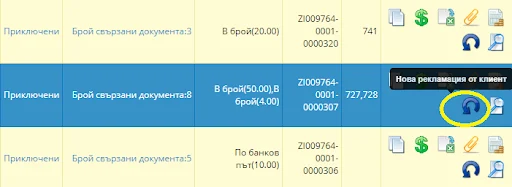
To process a return against an operation with goods fulfillment, use the Return icon. For a final invoice, the system generates:
- return;
- credit note.
Return against an advance invoice
Before creating a return against a sale with an advance invoice for which no final invoice has been issued, first credit the advance payment. Do this from the field „Issued invoices“ and the blue arrow for „Credit note“ next to the advance invoice row: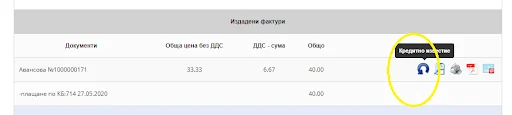
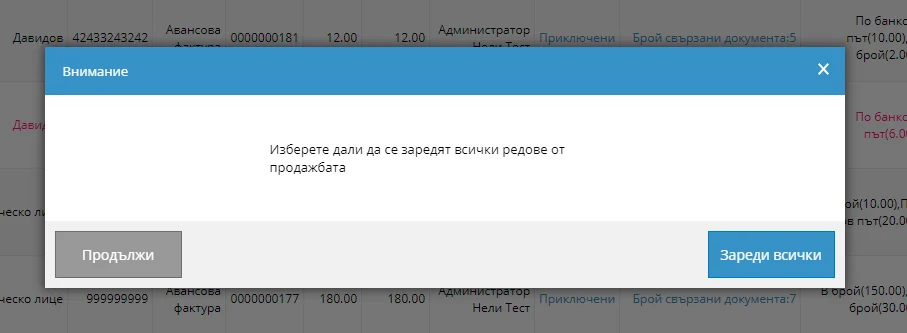
Once the credit note has been created, you can also process a return against the sale. Create the return from the Changes column using New customer return, the curved blue arrow. During generation, you are asked whether to load all items. If you choose not to, the document will be empty and you will need to enter them manually.
Fulfillment after a return and credit note
To return the released quantity to the warehouse, select the icon „Browse“, go to the end of the document and select „Issuing“ (the truck icon). Enter the quantity you want to return to inventory.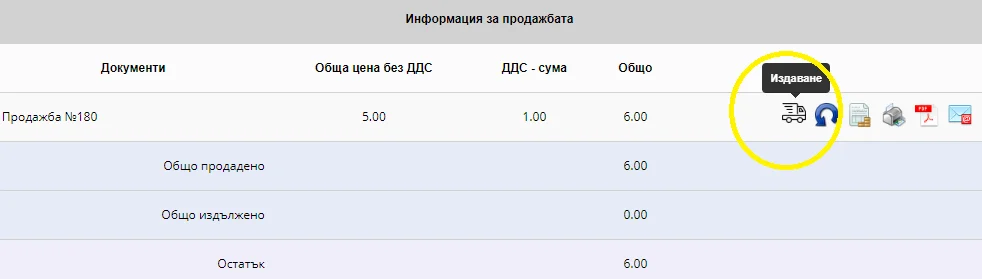
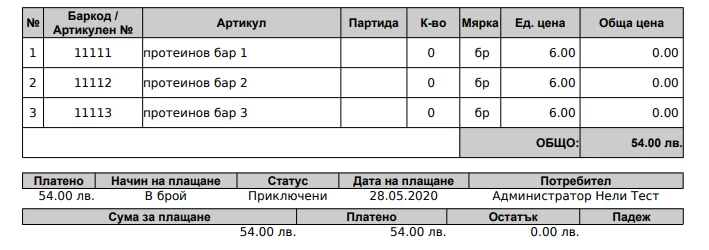
Check the records: open the documents for the relevant operation in the sales list. When you select the Return document, the item quantities should match those originally issued.
Learn more about I-Cash features: read the help materials in Working with I-Cash WEB or watch videos on our YouTube channel.
If you have questions, contact our colleagues using the following details:
- +359 887 701 224;
- info@icash.bg