How to add new payment methods?
Fromadmin
Have you recently started using the I-Cash mobile app? Have you accepted only cash so far but decided to add a payment terminal to accept cards?
How do you add new payment methods in I-Cash's quick sales module? The default payments are:
- cash;
- cash on delivery;
- by card.
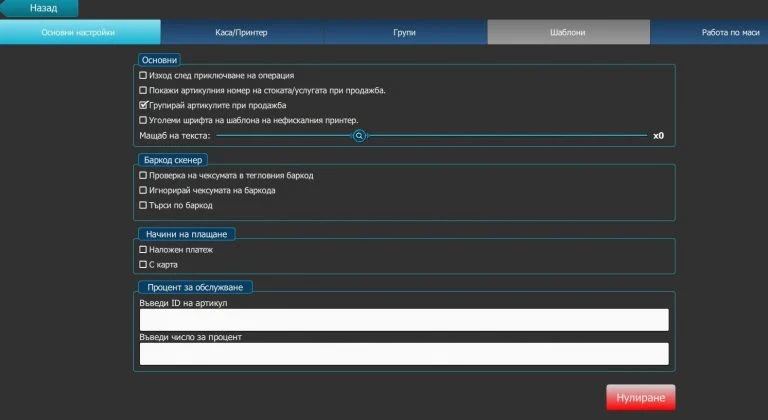
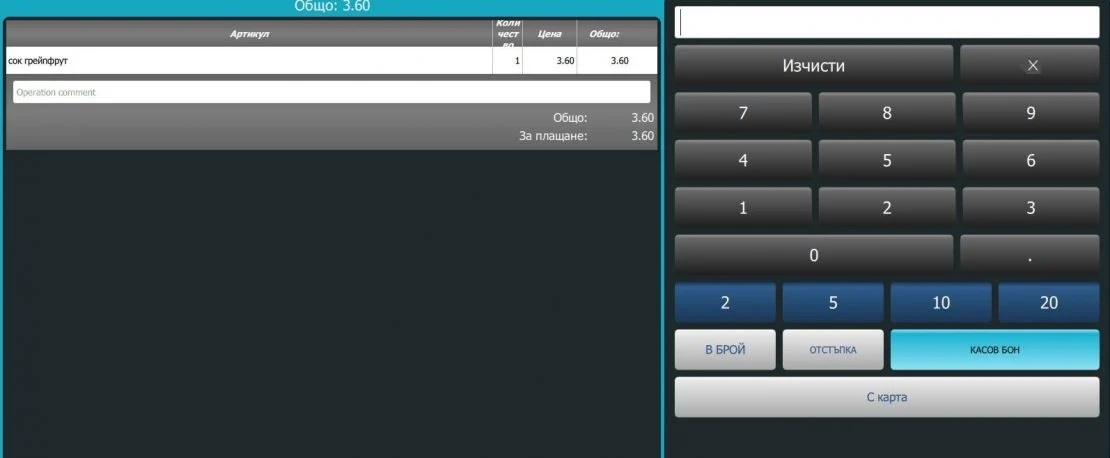
Other payment methods can also be added, such as vouchers, postal money orders and others not classified as bank payments. They are not configured in the module by default and can only be activated by our staff. Once added, you can use the checkbox in the same way to display them before completing the operation.
Payment methods in WEB
If you mainly work through the Web application, additional payment methods can also be configured. Contact our team and request that a new payment method be added to the relevant inventory account. It is important to know that bank transfer payments can only be made in WEB. The quick sales module only processes payments classified as cash payments, including bank cards and vouchers. Use the contact form, to request a new payment method, or call the phone numbers, listed on the website. See also the video on our YouTube channel, which demonstrates how to change the POS payment method yourself.Read more about working with the quick sales module on our blog.