How do we connect the quick sales module to a system printer?
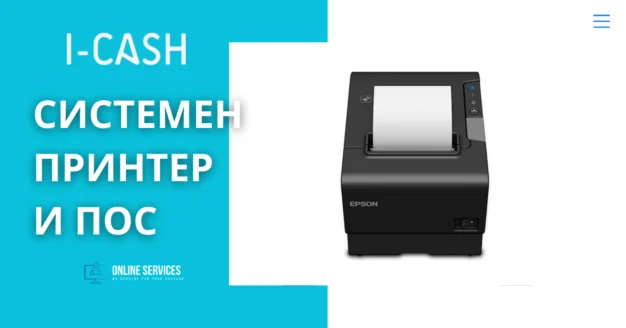
There are many online articles about connecting a system printer to Windows. Every new printer should include drivers and a manual explaining how to connect it.
If you use Windows 10, it will offer drivers for the relevant system printer. Retail software mainly connects to ESC/POS printers.
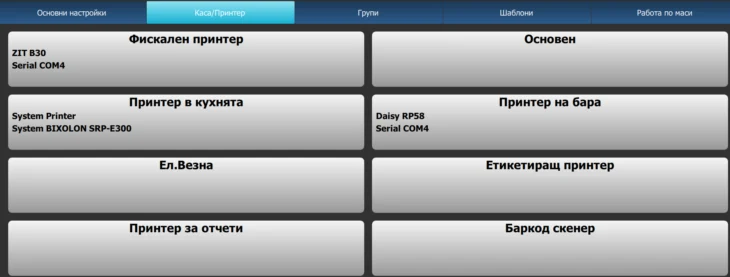
Once the thermal printer appears in Devices and Printers and the drivers are installed, start IcSashPOS.exe. From the top-right menu (the icon with three horizontal lines), select Settings and open the second tab, Cash Register/Printer. By default, there is one main department to which the printer can be connected.
For more information on adding departments in I-Cash, please read the manual.
Select the department to which you want to connect the printer and follow the wizard, selecting “System printer” from the printer list. Once the connection is configured, the printer's name will appear below the department name—see the image above.
Additional information:

What is a weight-embedded barcode, and how does it differ from a regular barcode? Barcodes have been used in the United States since the 1970s and are now an integral part of commerce. Many different types exist, but EAN-13 is the most commonly used in Bulgaria. A standard EAN-13 has the following structure: The first three digits—the country code (380 for Bulgaria)….
Template settings 1. Additional settings Additional settings are accessed after selecting the printer in Cash Register/Printer under Settings: Fields and information: Copies: entering a number prints that many copies through the non-fiscal printer. Paper width in mm: enter the printing area. This field is also linked to the image used as the template logo. For example, on 58…
One feature of retail software is issuing and/or generating invoices. Information about working with invoices is available in the website's blog section. Link to an invoicing article containing basic information on working with invoices. The software provides two invoicing options: issuing an extended fiscal receipt; issuing a fiscal receipt against an invoice number from…
Variables used in a loop. Type. Information. Variable. Item name. Displays the item name entered in the 'item name in cash register' field. %Saleitem. Information: Displays the item name entered in the 'item name in cash register' field. Item quantity. Displays the quantity selected for sale. For example, 2.000…
Importing a .csv file into I-Cash. First, review the specifications and requirements for the .csv import file. Certain fields are mandatory. We recommend downloading the sample file, adding your data and deleting the sample rows; the first row is informational and is not imported. For the import to succeed, you must…
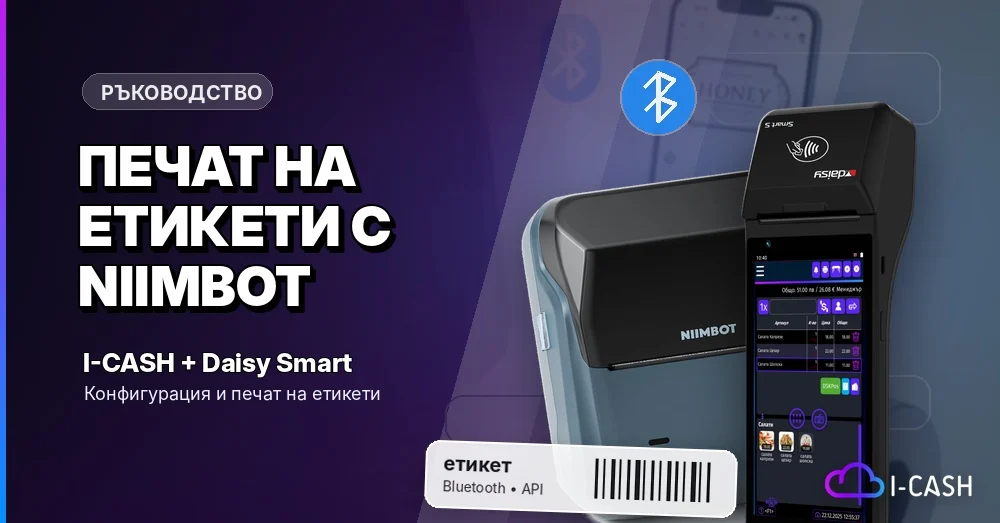
With the “iCash Label Printing” app, you can quickly and conveniently create and print item labels directly from an Android device or Daisy Smart cash register using a Niimbot mobile Bluetooth thermal printer. This guide describes the steps needed to install the app, connect it to your I-CASH account, add a Niimbot printer and create a template for…