01
Sale, receipt and payment. In one place.
Select items, issue a fiscal receipt and accept payment on Daisy Smart. Work from one screen without moving the sale between separate systems.
 for you and your Daisy SmartWe are here to help.
Your Daisy Smart has a good friend.
With I-CASH sell, accept payments and monitor stock. Checkout, goods and location management in one system.
The software is already on your Daisy Smart. We will help you activate and configure it for the way your location operates.
Try I-CASH – 30 days free30 days free. Assistance getting started.
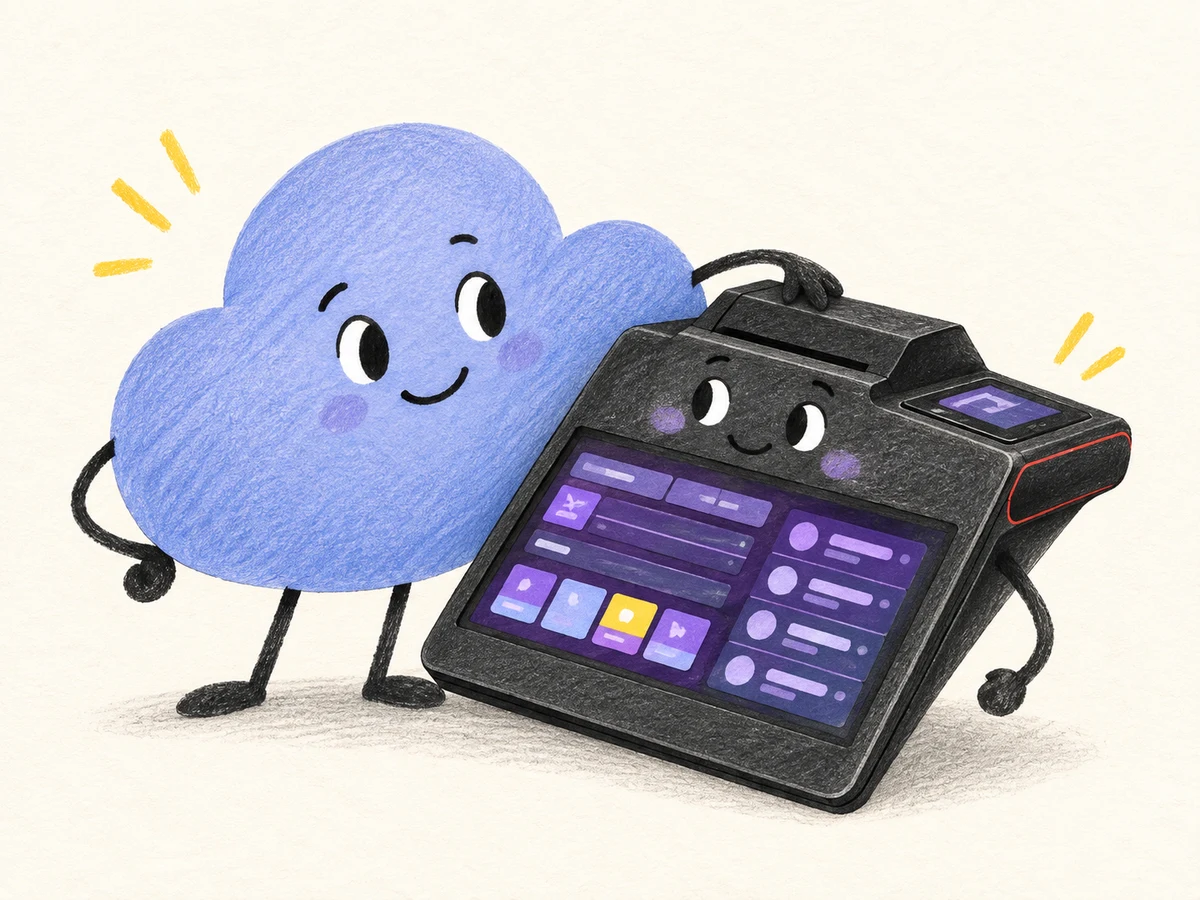
Daisy Smart + I-CASH. A great team for your location.
Scan and enter the details from your phone.
v5.icash.bg/registrationPERSONALLY FROM OUR TEAM
Our team helped create Daisy Smart. We know the device and develop I-CASH, the retail and inventory software already installed on it.
We will discuss how your location operates, help with setup and show you the basic operations. You receive software and people you can turn to.
With care for your business,
the I-CASH team
Practical help for your working day.
For the store, restaurant or other retail location you manage.
Select items, issue a fiscal receipt and accept payment on Daisy Smart. Work from one screen without moving the sale between separate systems.
Track stock levels, enter deliveries and keep your items organized. Spend less time searching notebooks and spreadsheets when you need to order goods.
Open the web platform in a browser to check sales, stock, payments and documents. You do not need to stand at the cash register to run every report.
Card payments require an activated payment service.
I-CASH WEB PLATFORM
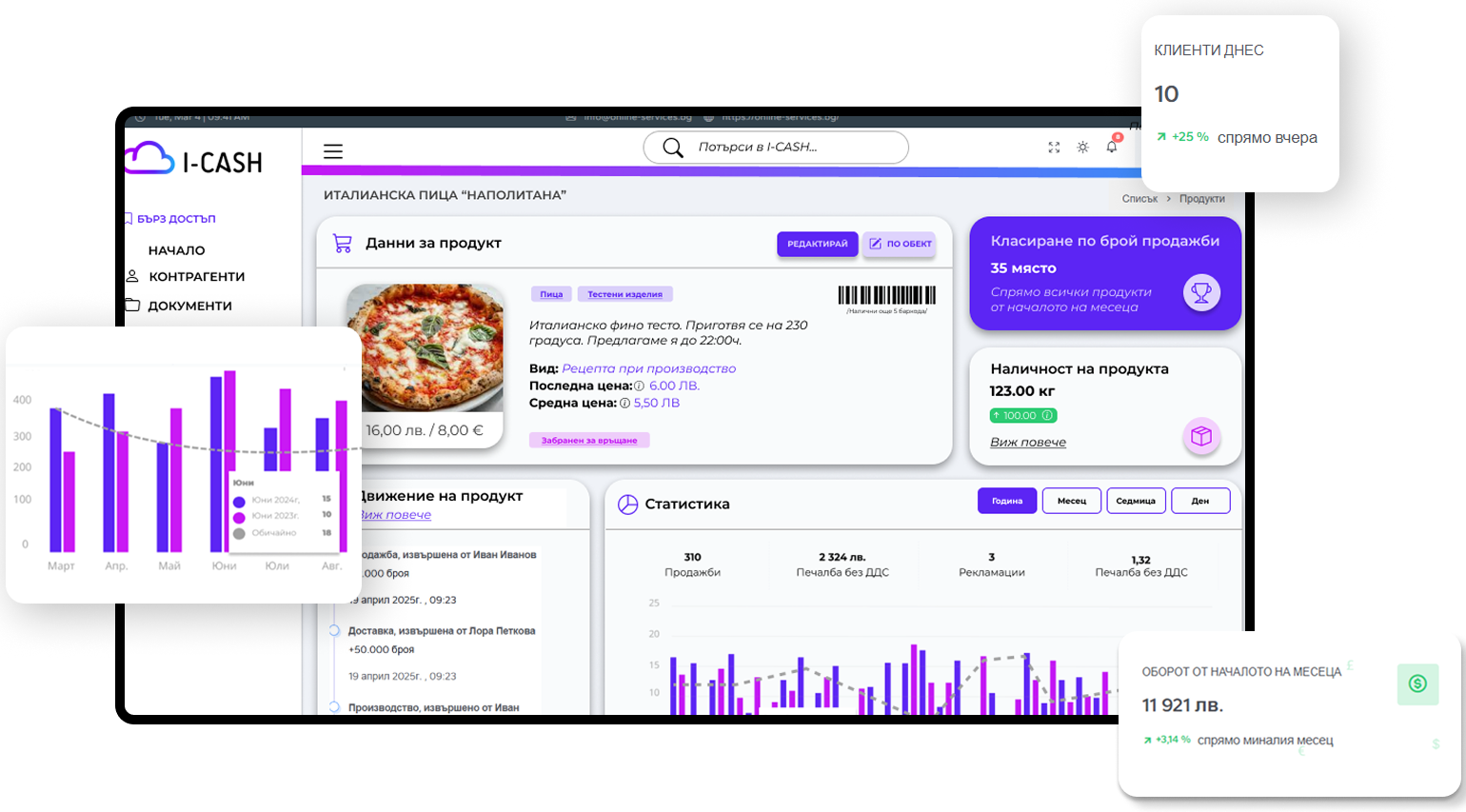
A look at the I-CASH interface. The data is illustrative.
Sales are just the beginning.
The web platform is your office in a browser. Cash register information is sent there online, allowing you to monitor your location and organize work from one place.
Create items, record purchases and track inventory.
Customer and supplier data are gathered in one place.
Organize documents and track payments from your browser.
Let's see it with your items.
In a short demonstration, we will show you a sale, a cash receipt and its effect on inventory. We will discuss card payments and the settings your location needs.
We will then clarify what you need and what it will cost, clearly distinguishing software, setup, support and additional services.
Clear steps to get started.
Open registration using the button or QR code. Have your company and contact person details ready.
Open I-CASH on the device. We will assist with activation, connection and initial setup.
Add your items and try the main operations at your location during the 30-day free trial.
Shall we do it together? Call 02 960 71 23
Questions before activation.
After the trial period, choose a subscription plan that suits your location's needs. Contact us for a specific offer: the software you need, what setup and support include, and whether additional services apply. Card payment terms are agreed separately.
We work with more than one bank. Tell us which bank you prefer and how you currently accept payments. We will check the suitable payment service and terms for your Daisy Smart before you start.
Tell us which vouchers you want to accept and whether you will use the device at a fixed location or on the move. Options depend on the model, payment service and connection. Synchronization with the cloud platform requires internet access.
Tell us how your location will operate, for example as a store, café or combined business. If you need membership cards or other specific features, we will clarify what I-CASH covers and what requires an additional solution.
Contact the I-CASH team on 02 960 71 23. Tell us the device model and what is happening. We can discuss an online meeting for initial setup; if you prefer a local representative, tell us your city so we can check the options.
Have your company's UIC, name, address and manager's details ready, along with a contact name, email and phone number. The form guides you through the required fields. It is easier to complete on your phone using the QR code.
You do not need a new profile. Call us on 02 960 71 23 for help connecting your Daisy Smart to your existing profile.
A good partner for your location.
Try I-CASH free for 30 days. See how sales, inventory and documents can work together at your location.
Try I-CASH – 30 days freeScan and enter the details from your phone.
v5.icash.bg/registration