
Home / User guide / Advance invoice
Advance invoice
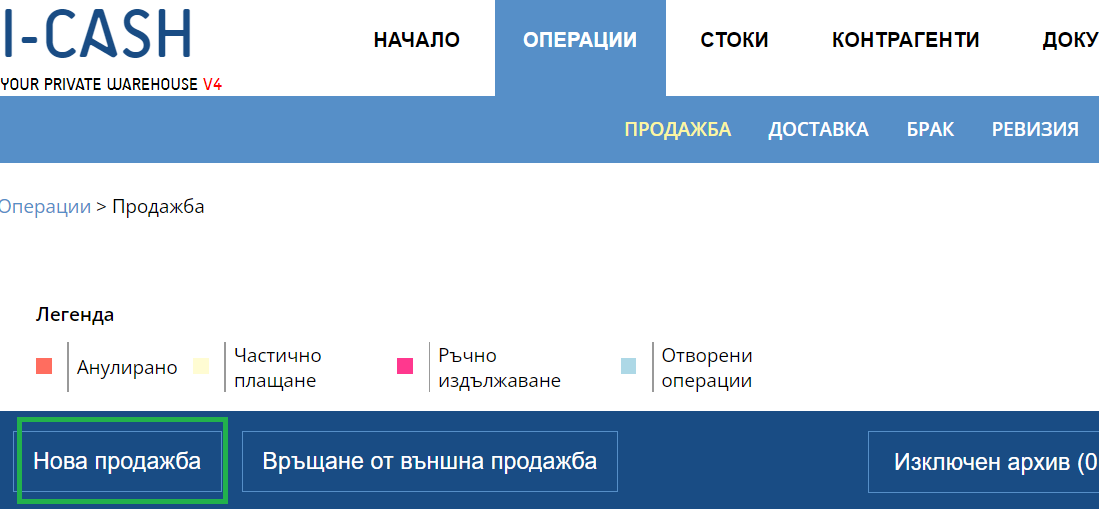
Create an advance invoice
For this purpose, you need to create a new sale, through which you select the document type "Advance Invoice"

2. Selection of items and payment method
After choosing the document type, you need to choose a business partner, as well as items and quantities that you will invoice and the respective prices at which you will sell them. After that you have a field to fill in the advance. The transaction will remain unpaid until you add a final payment with a final invoice.
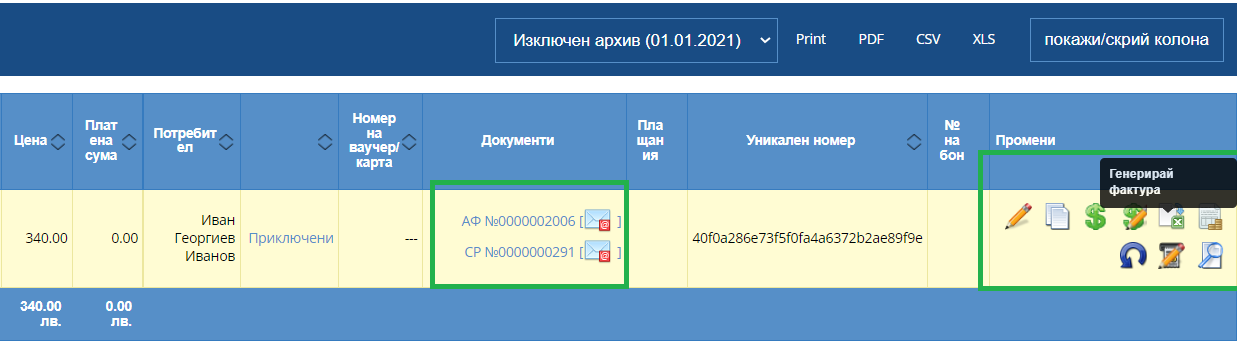
3. Place of operation
You may find your newly created down payment invoice in a sales list, which will be yellow because there is only a partial payment on the transaction. On the right you will find a button to generate an additional invoice, which can be either a final invoice or another advance.
Every invoice issued by you can also be found in "Documents" - "Invoices"
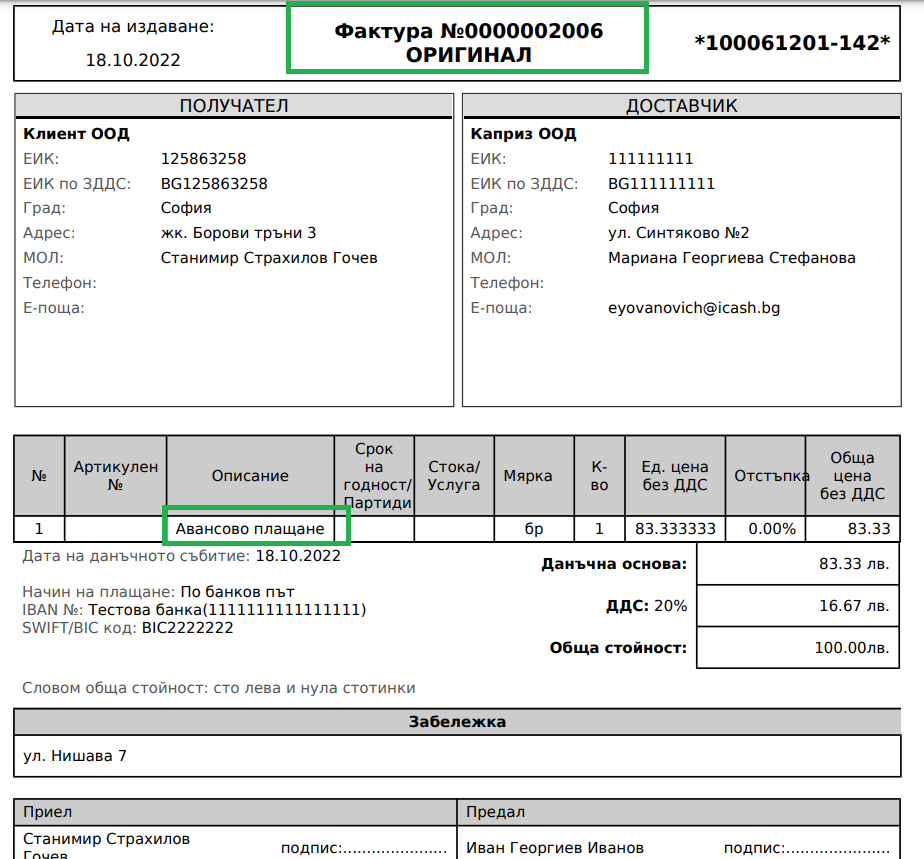
4. Document view
You have the option to send the invoice by email, as well as print it out on a printer.