
Home / User guide / Book of purchases
Book of purchases
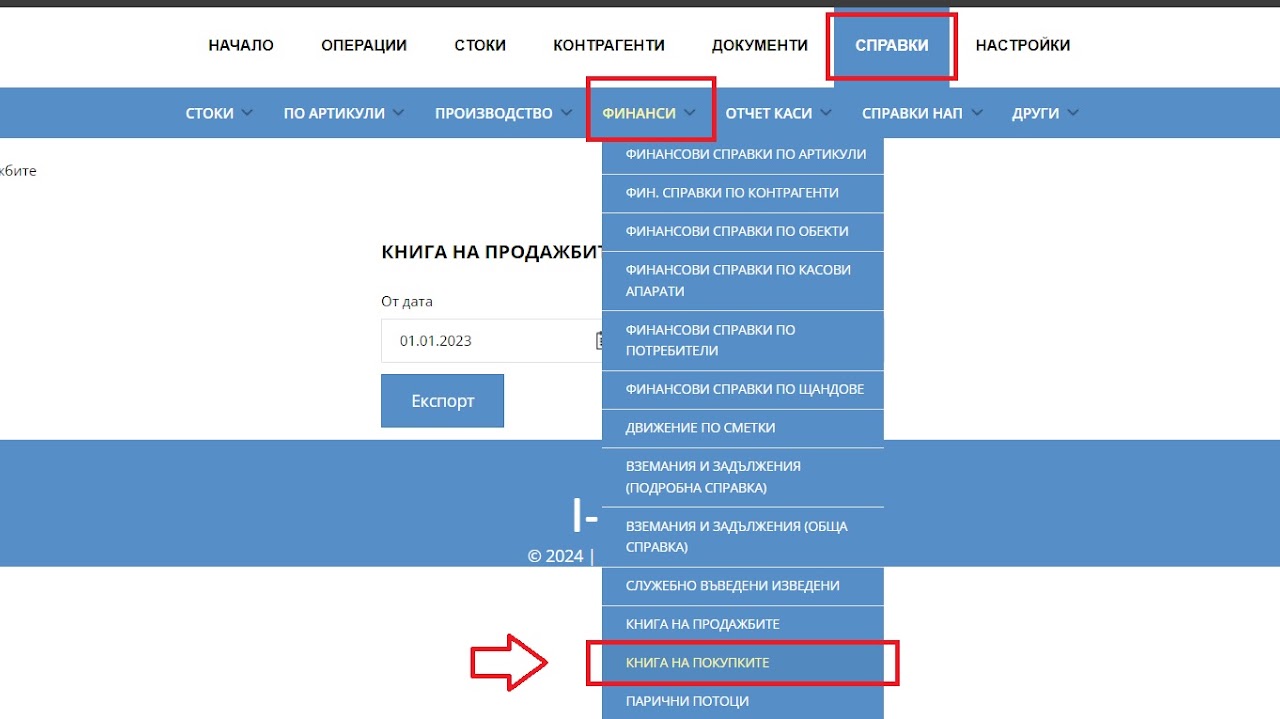
Navigation
The menu is available at reports - Financial reports - Book of Purchases
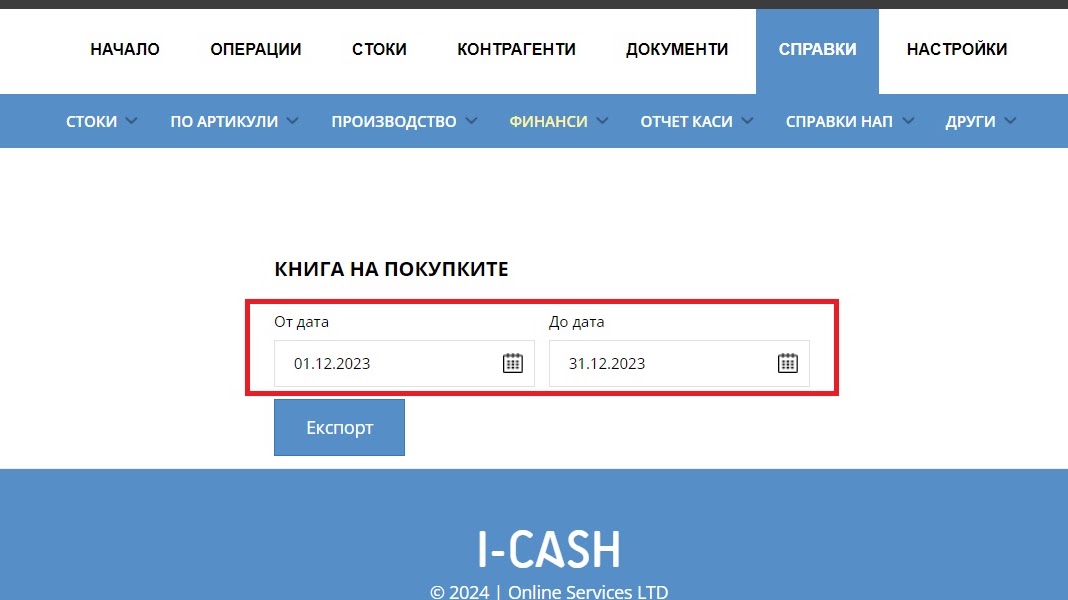
Range
Select the start and end date of the period for which the system will generate a report
Select the "Export" button
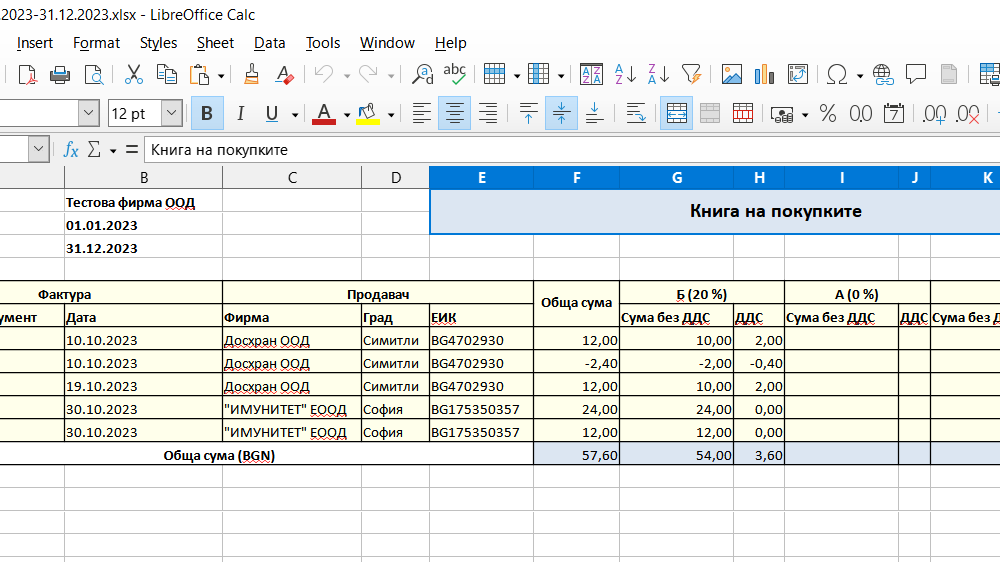
File
The system will generate a file for your selected period with information on all deliveries such as supplier details, amounts paid excluding VAT and tax amount for each purchase