
Home / User guide / Bank accounts
Bank accounts
Create a bank account
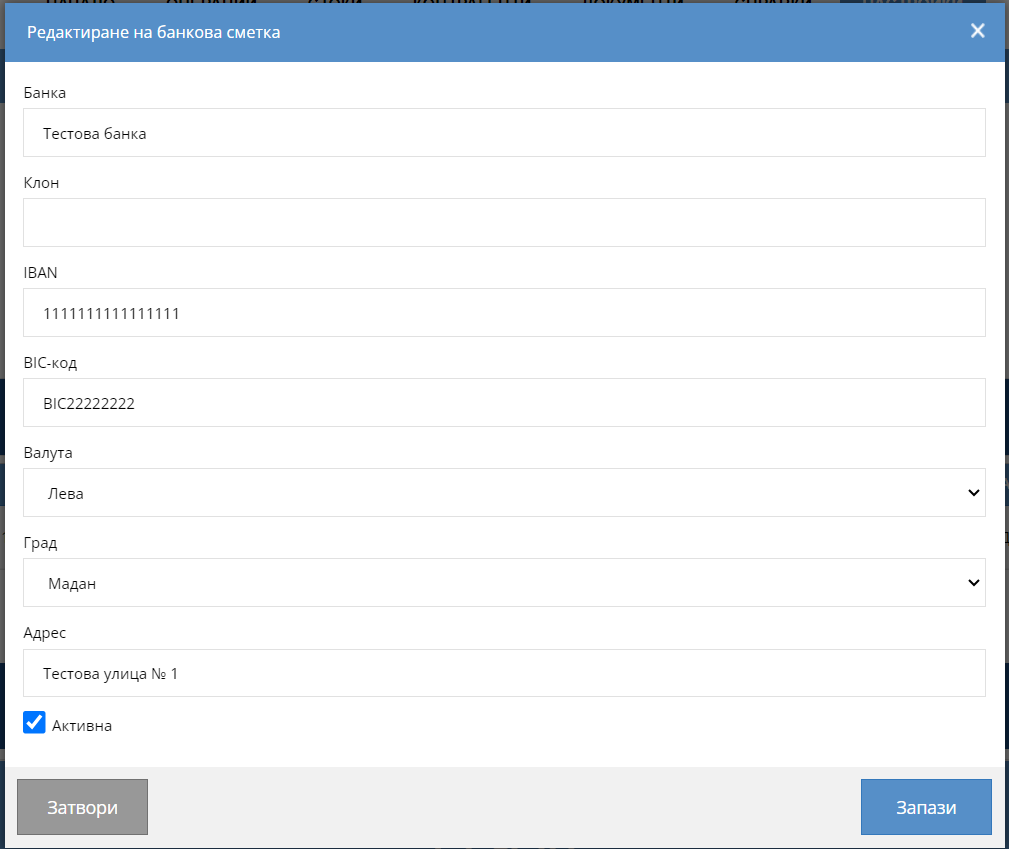
Through Settings - Main - Bank accounts, you can create one or more bank accounts, which you can subsequently reflect when making a Sale or Delivery.
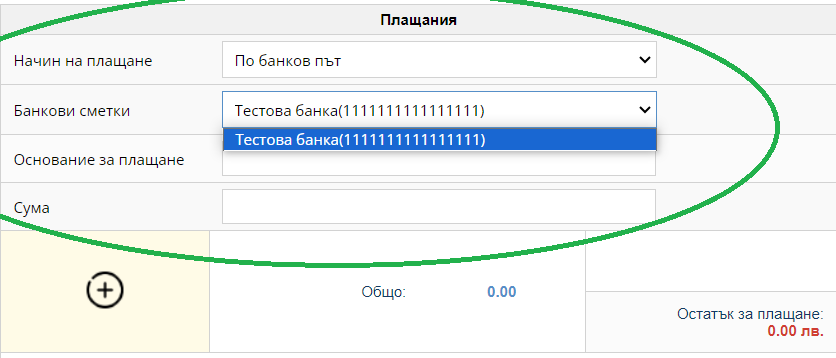
The bank accounts will be visualized in the Delivery and Sale operation - against Payment method - bank accounts.
Subsequently, you will be able to track multiple reports on operations performed on the specified account.
If you do not have the option to create a new bank account, then you need to go into the user roles of the specific user and add the role "Bank accounts".