
Home / User guide / stocktake
Stocktake
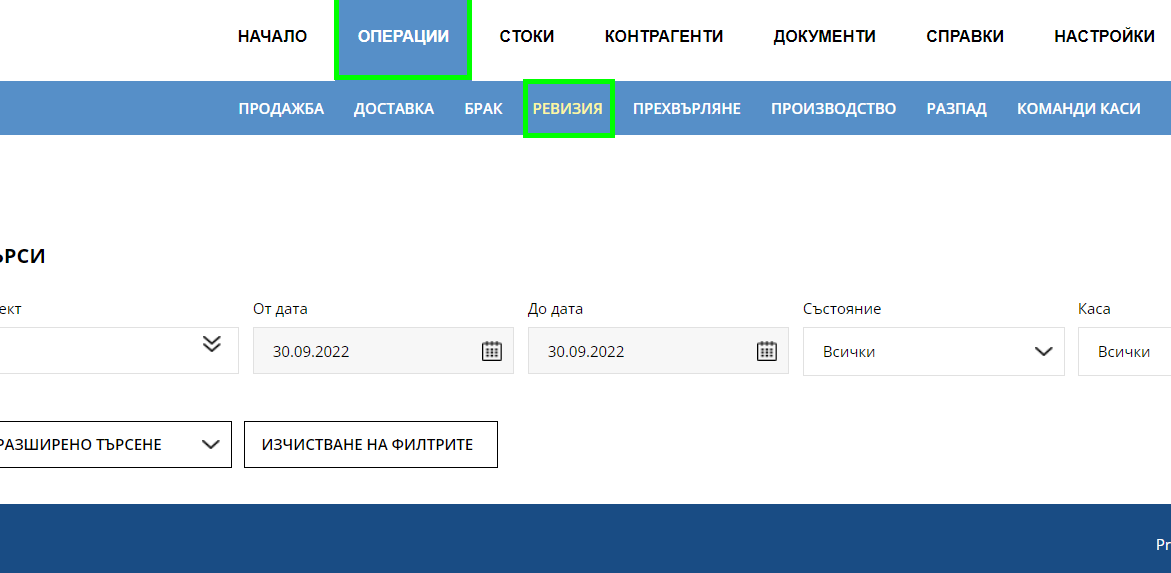
Select "stocktake" from the "Operations" menu
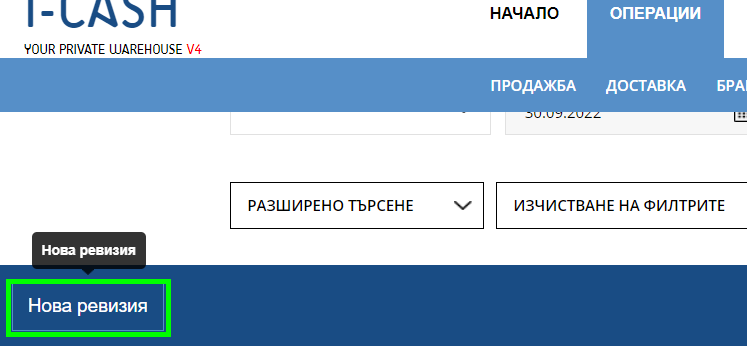
Select "New stocktake" button
stocktake by list
A list stocktake is intended to present a list of all merchandise in your warehouse. When creating a new stocktake, you will find a checker for whether you want the list stocktake to be on all items in the database or only those with negative quantities.
A list stocktake will present all your items with the current quantity in stock, as well as an option to put in a new quantity.
The new quantity entered by you in the stocktake will be the actual quantity for the product after the stocktake is completed.
You can make a stocktake by item group and in the stocktake the items from the specific item group will be loaded.
stocktake item by item
stocktake - item by item gives the following options:
1 You carry out a stocktake by entering the goods item by item in the operation.
You can search for the item by barcode, item number, name -> after which the item will be visualized in the list and you will be able to enter the current quantity in your warehouse.
2. You also have the option to import the goods into a stocktake by downloading a sample file, through which you need to enter a barcode, quantity and if you work with batches in your business account, also a batch.
The idea is to enter through this file at once the current quantities in your warehouse.
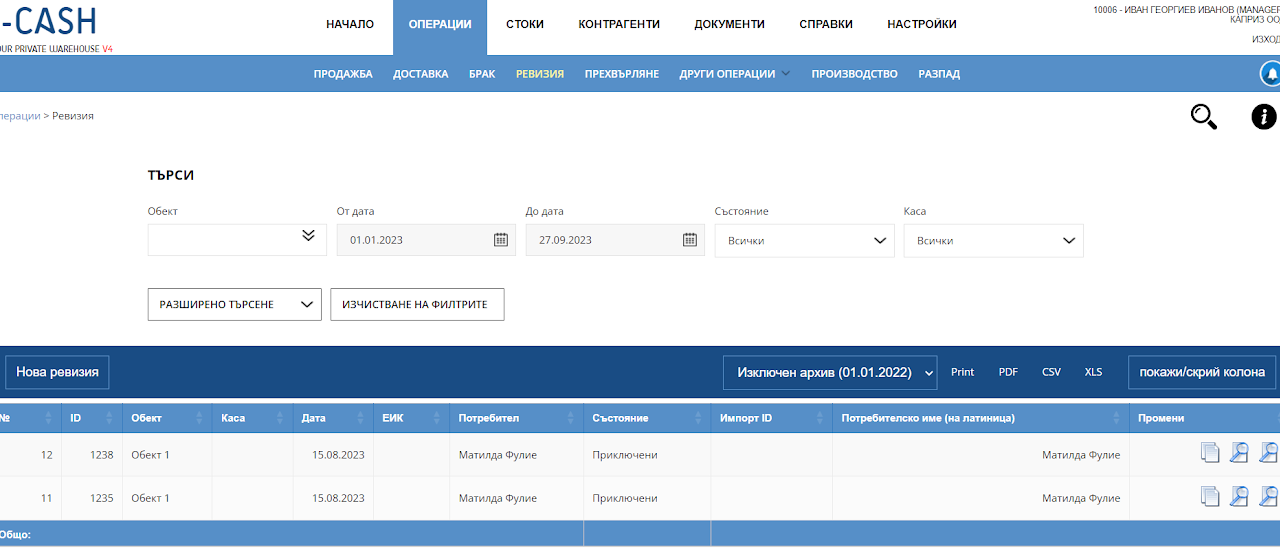
List of stocktake
The list of stocktake aims to track the stocktake you have made over time, as well as which user made them, for which location they were made and from which date.
Important: After a stocktake has been performed on a certain item, you will not be able to edit an old operation on it in the future.
Important information is that when a stocktake is completed, all the goods involved in it will have their stocks updated depending on the specified quantities in the stocktake.
Previous operations on the items will not have an effect on the current quantity after a completed stocktake.
If we have unfilled fields in the general stocktake, the system will accept these items as uncounted (not participating in the operation and will not revise them).