
Home / User guide / Premises
Premises
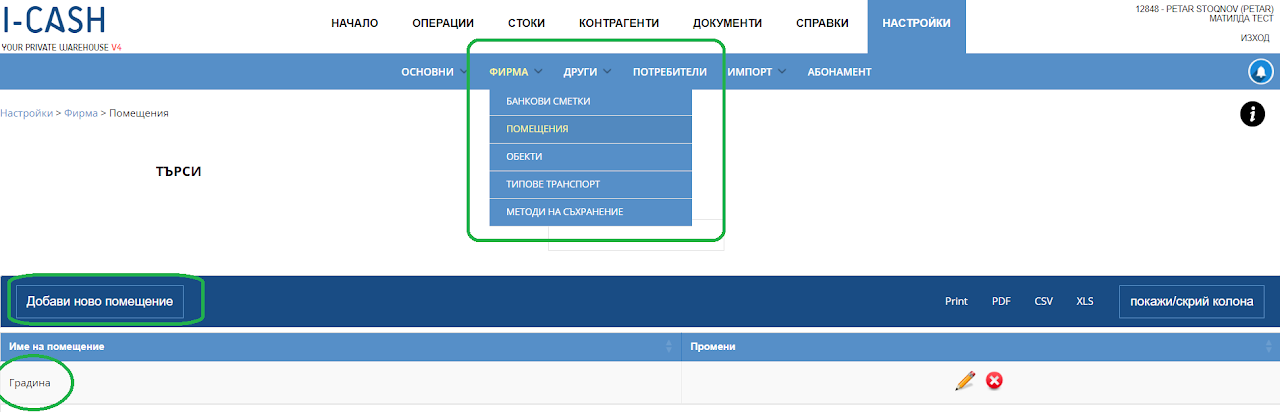
Create a room
A room is created through Settings - Company - Rooms.
If you do not have the opportunity to create a room, you need to enter as a manager in the user roles of the User through settings and from there select the role "Premises"
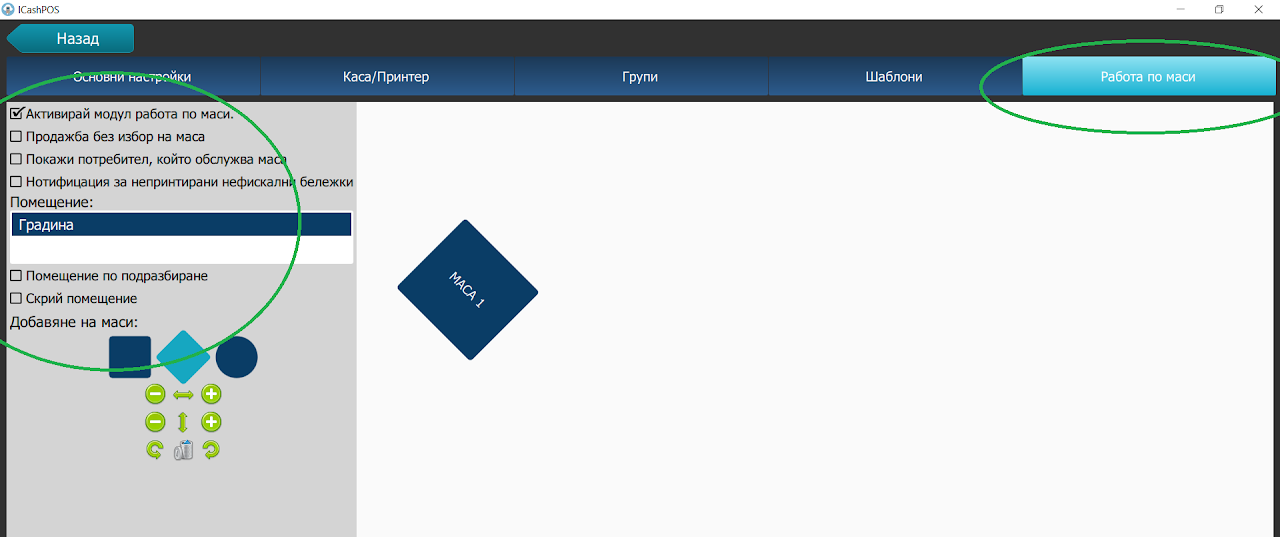
Application of premises
The room is visualized in POS - in the section "Work at tables"
The application of the room is for the purpose of allocating and forming tables by numbering in different rooms for the purpose of orientation when ordering by the customers in the establishment.
The number of rooms can be unlimited.