
Home / User guide / Proforma invoice
Pro forma invoice
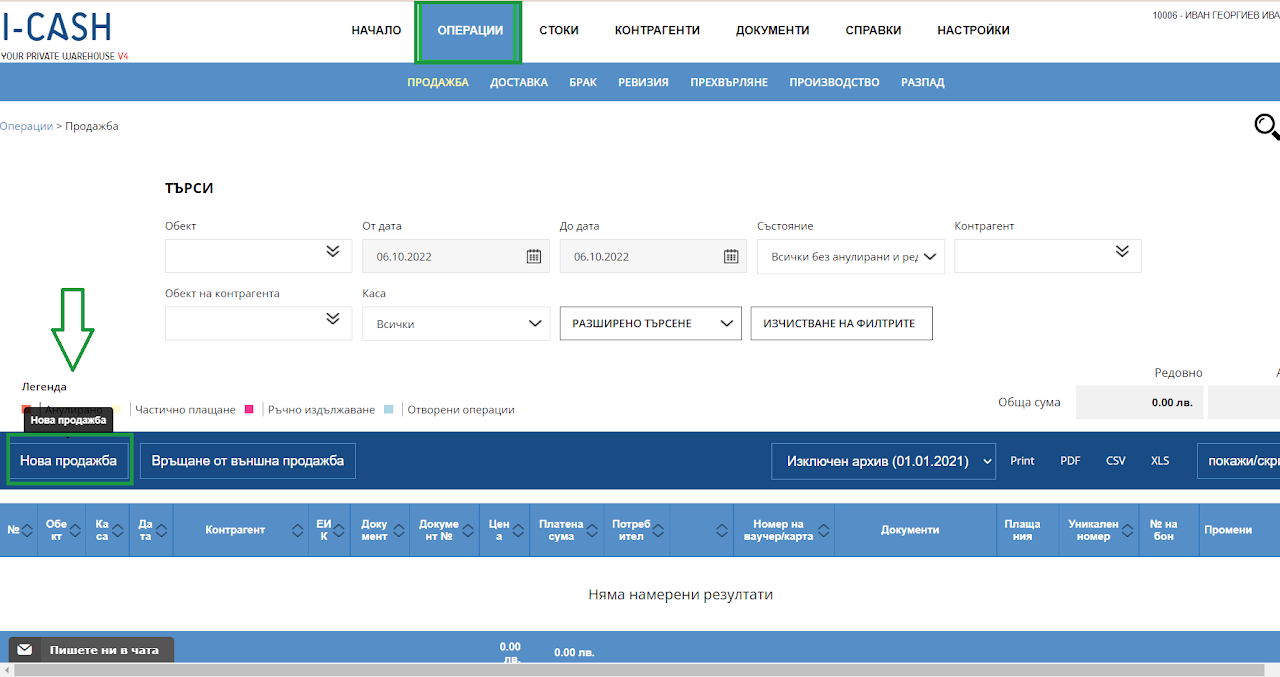
How to create a pro forma invoice.
You need to enter "Operations" - "Sale" and create a new sale from there. A proforma invoice is an invitation to the customer to pay and is a document that does not remove goods from your warehouse at the end of the transaction.
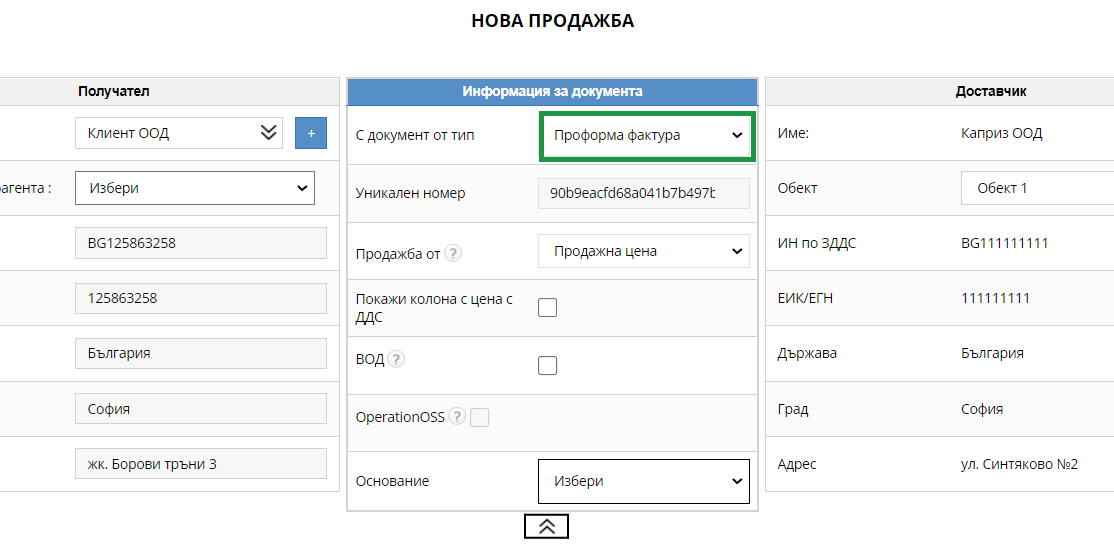
2. Selecting a document
You need to select "Proforma invoice" document and business partner.
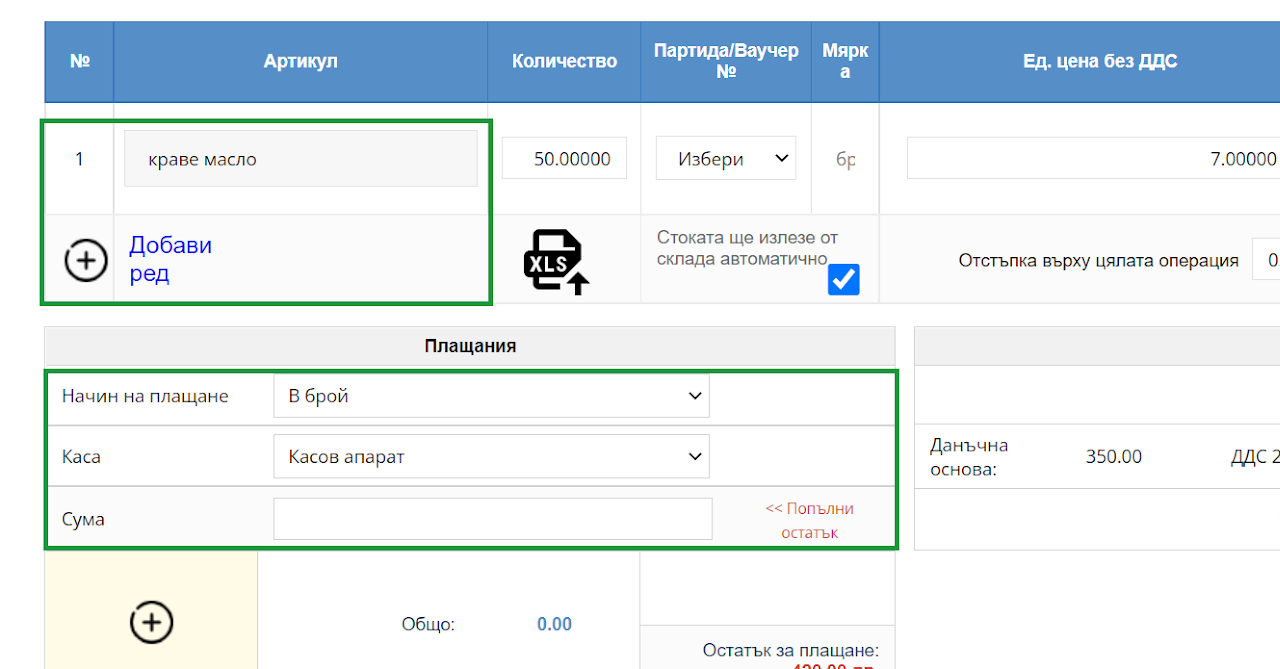
3. Selection of item and payment method
After choosing a business partner, you need to select the items and the quantity you wish to sell from them. If you don't have the item created in the system, you can create it on the fly during the operation itself. You need to choose a payment method and finalize the invoice
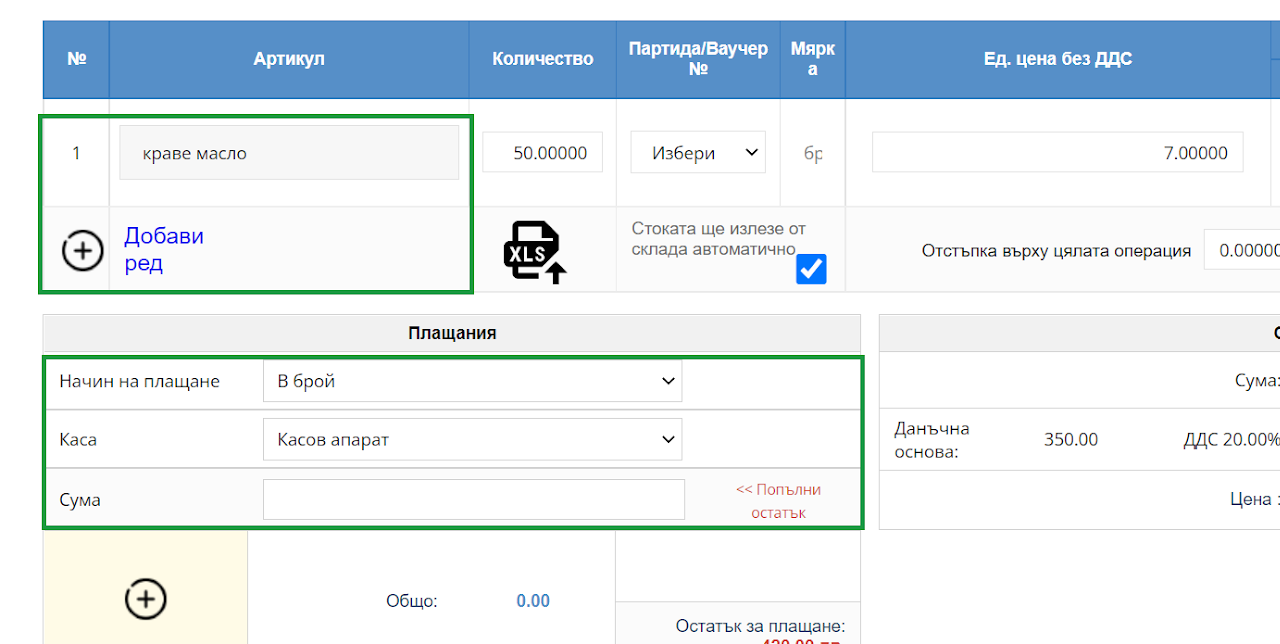
4. Finalize an operation
To finalize the operation, you need to select the "Finish" button
5. List
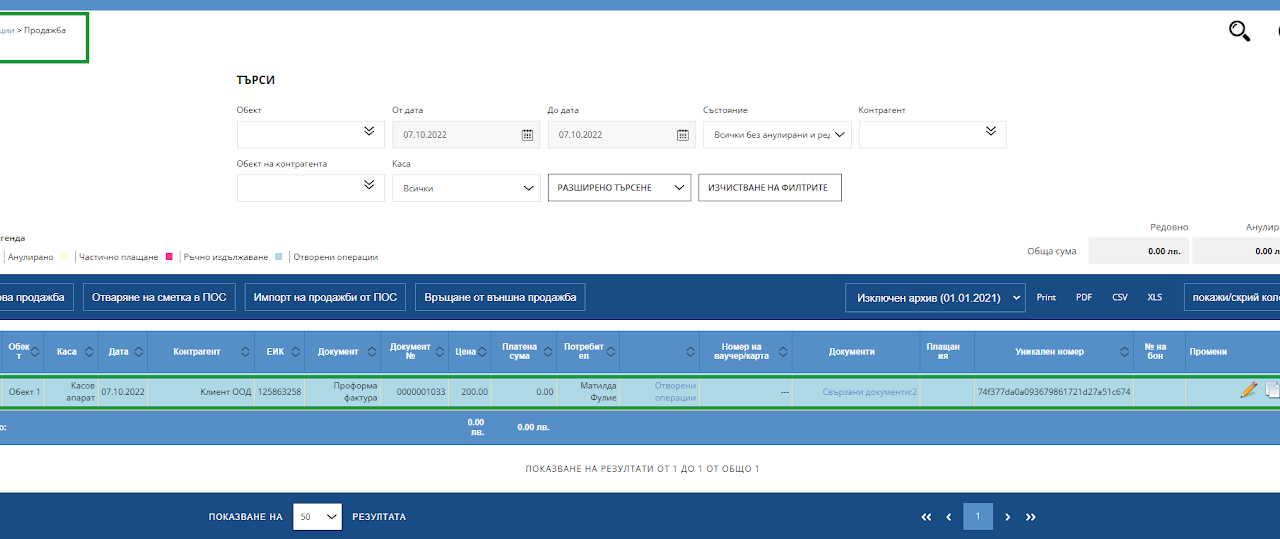
Once you have created the document, you will be able to find it in the sales list in blue. The color also means that the operation is not finalized, and from it you can print both a proforma invoice and an offer, which you can also send by email.
6. Document view
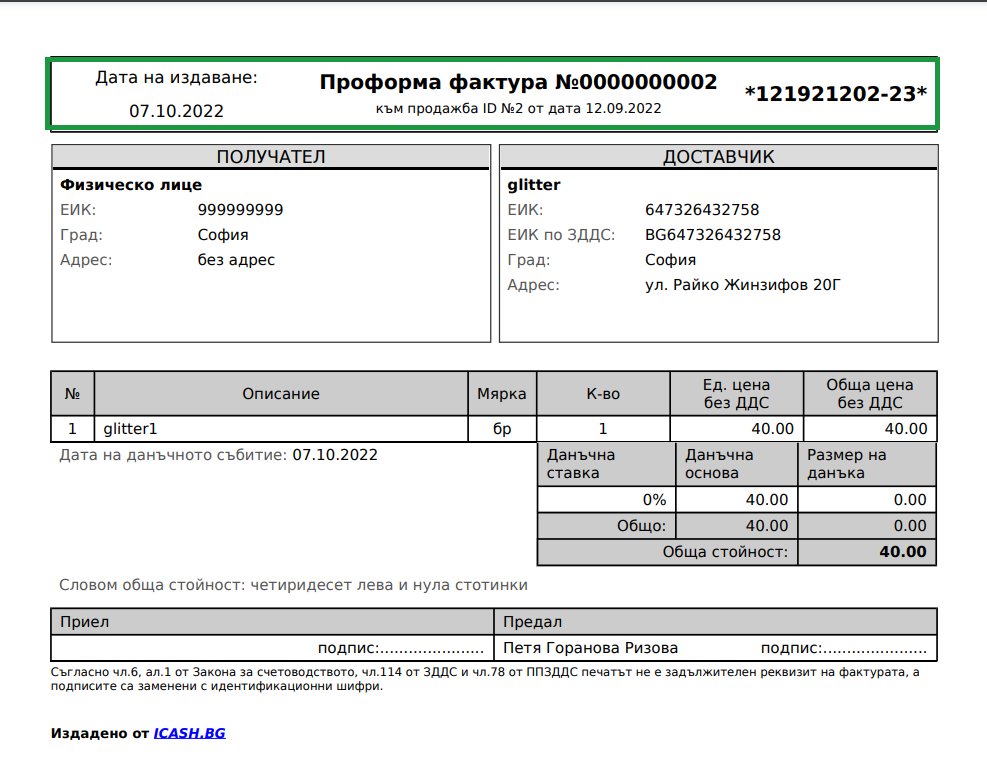
The document is in PDF format and you can send it by email.