
Home / User guide / Report operators non-fiscal
Report operators non-fiscal
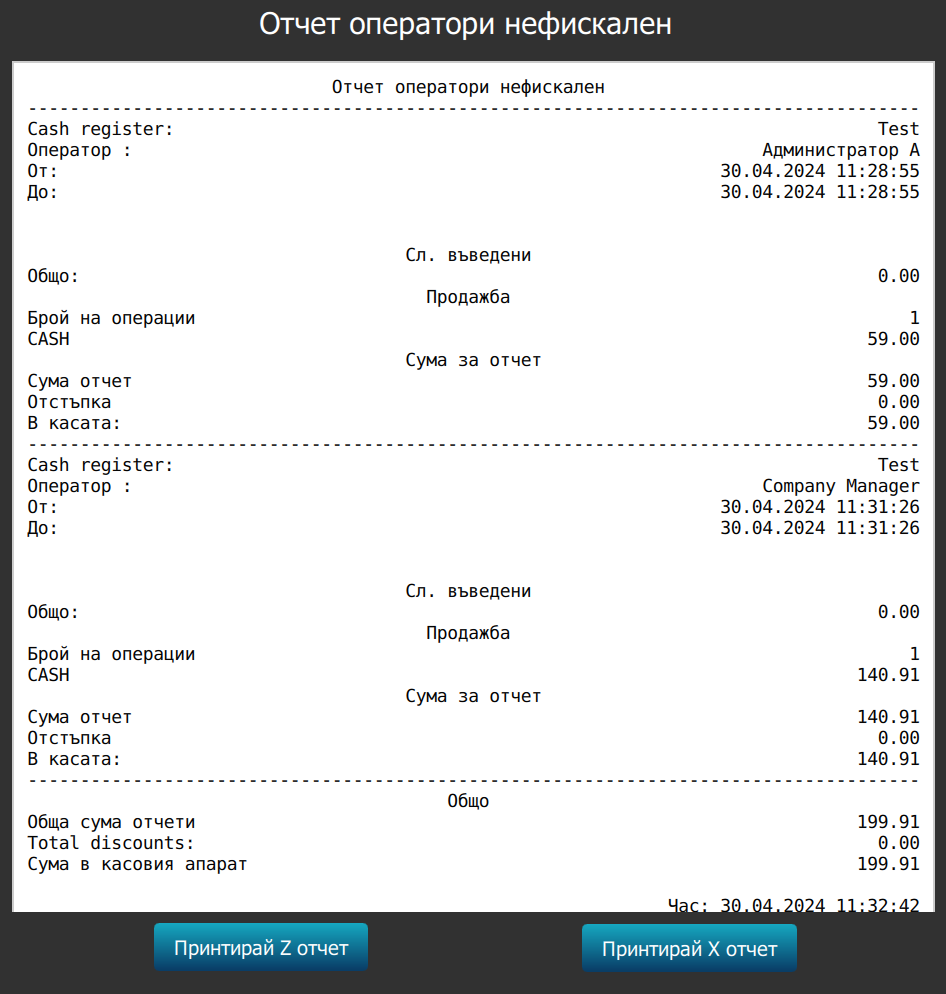
REPORTS FROM A NON-FISCAL DEVICE (THERMAL PRINTER)
To print information through a non-fiscal printer, it must be connected to the program and set up to work with it. Information on connecting a thermal printer to a computer (Windows) or tablet (Android) can be found on our blog. There you will also find information on preparing templates (note design with personalized information in the form of personal text and pictures) and how and in what way we can use them.
REPORT FOR ALL OPERATORS
This functionality will print a note from the non-fiscal printer with information about accumulated turnovers of all users who use the system.