
Home / User guide / Final invoice on advance
Final invoice against an advance
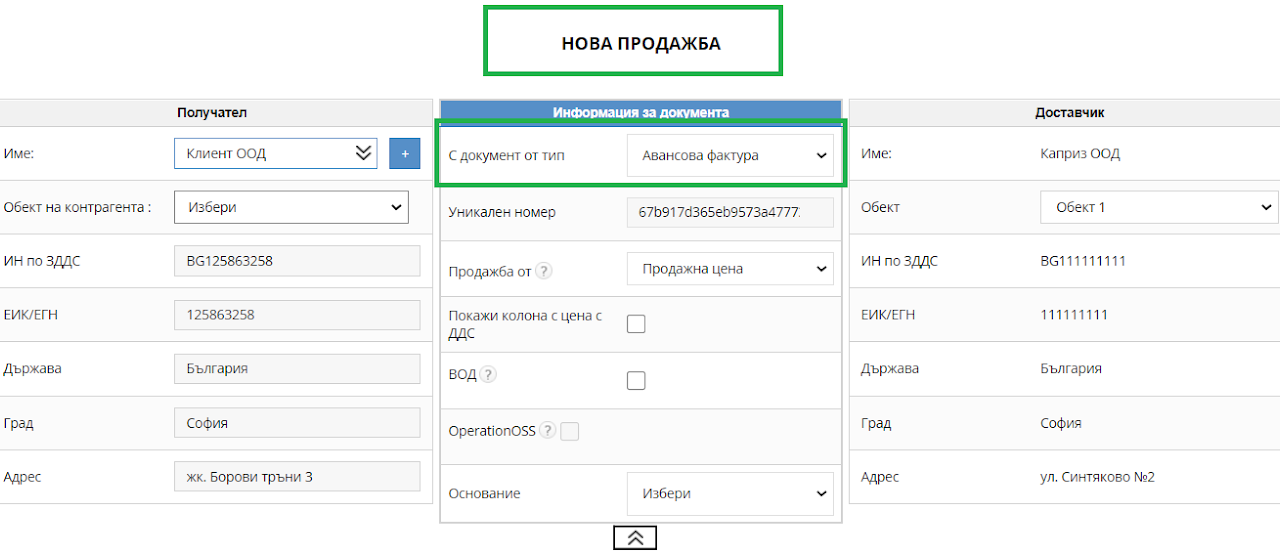
Create an advance invoice
An advance invoice is issued through "New sale" and from there selecting the type of document: "Advance invoice"
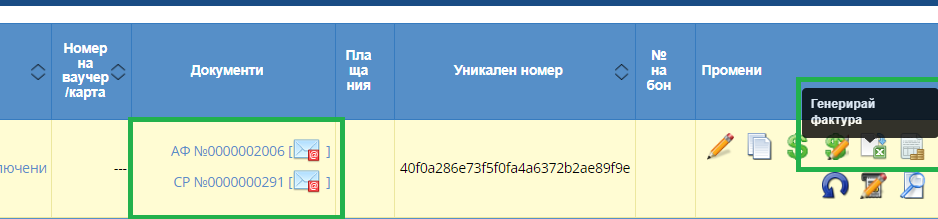
2. Place of document
After issuing the invoice with the items and quantities, you will find the transaction in the "Sales" list and from there you will be able to generate a final invoice.
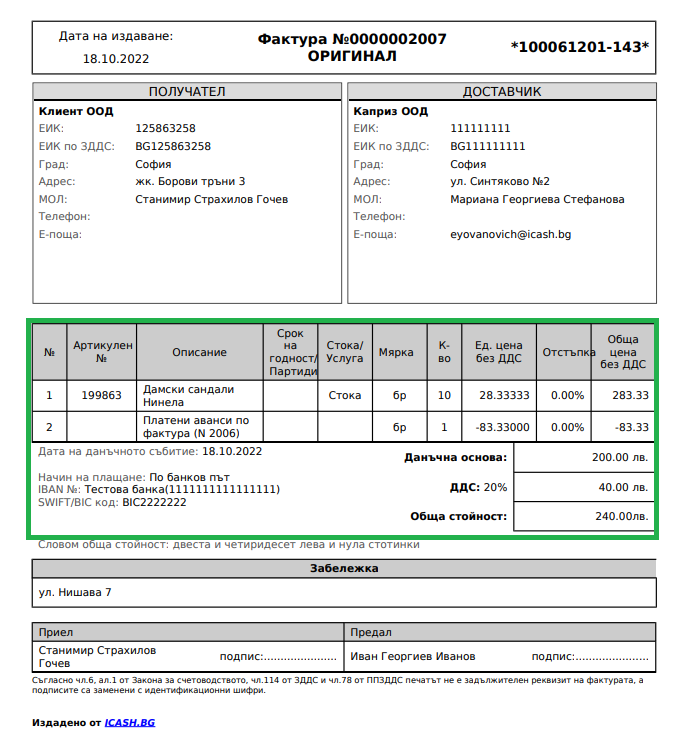
3. Generate final invoice
After you generate a final invoice, you will find in it the reflected advance payment and the amount due to date.