
Home / User guide / customer return/Cancellation
Customer returns / Reversals
Return of goods
Sales-customer returns
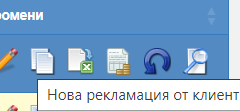
How to make a sales customer return:
For this purpose, you need to find on the WEB - in a list of sales - the sale you wish to cancel. Once you have found the operation in question, you need to select the blue inverted arrow with which to create a customer return to a customer.
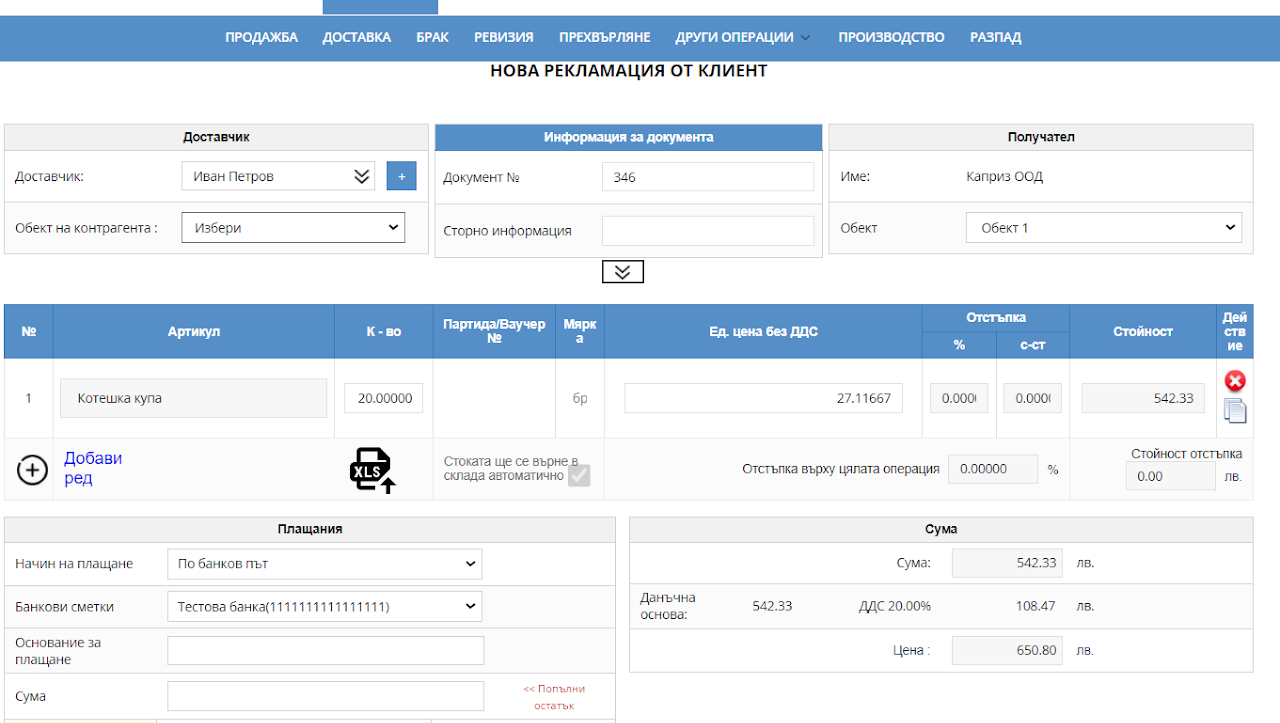
New customer return
After you have selected a new customer return for the sale, a window will be loaded that represents an identical document, both by products and by quantities, of the specified sale.
You can make a customer return on the whole sale or partially for certain goods and quantities.
For this purpose, if you wish to make a partial customer return, you need to delete the items and quantities that will not be reversed and leave only those that will be advertised.
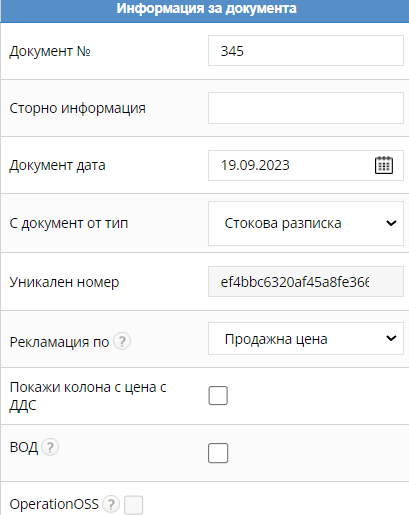
Document information
Loading a document number
There is a field for cancellation information
Document date
From what type of document is the reversal made
At what price is the customer return made?
Choose to see prices per line including VAT
WATER
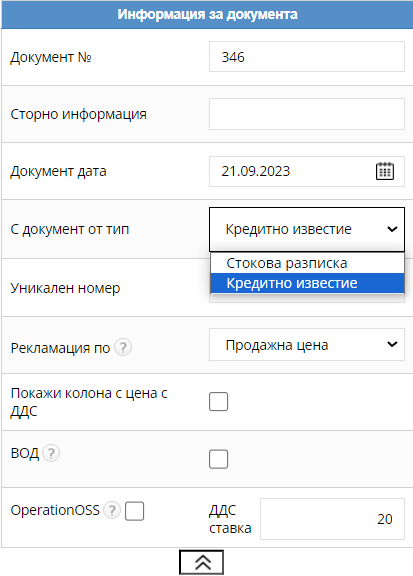
Credit note
If you have a pre-issued invoice or an advance invoice for the sale you wish to cancel, when loading the customer return, a field for "credit note" will appear (in the document information) with which, in addition to a customer return, you will also issue a credit note on the invoice.
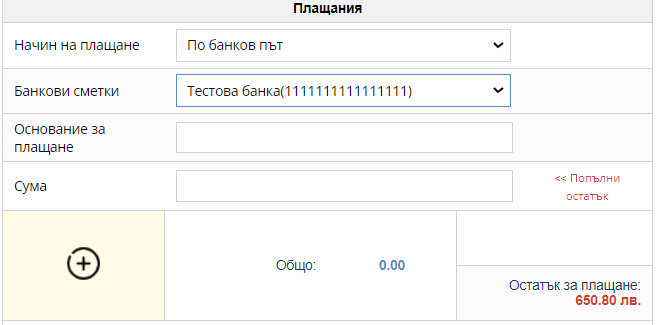
Payment method
You must select the same payment method that was used for the sale.
The payment method can be cash or bank transfer.
You need to top up the balance to pay the customer return.
This way, the transaction money will come out of the statements and the item will be restored to your warehouse as stock.