
Home / User guide / Registration
Registration
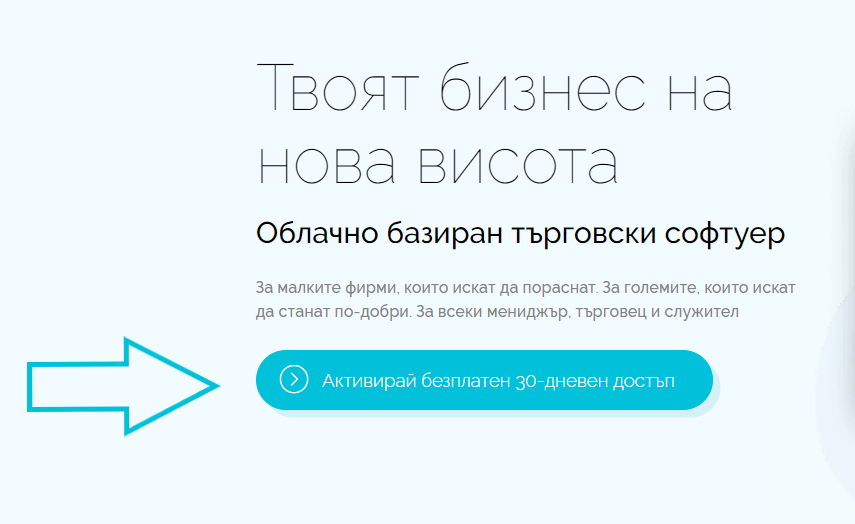
To successfully complete your registration, you need to visit our site - > icash.bg/bg/
Select the option to activate a free 30-day period.
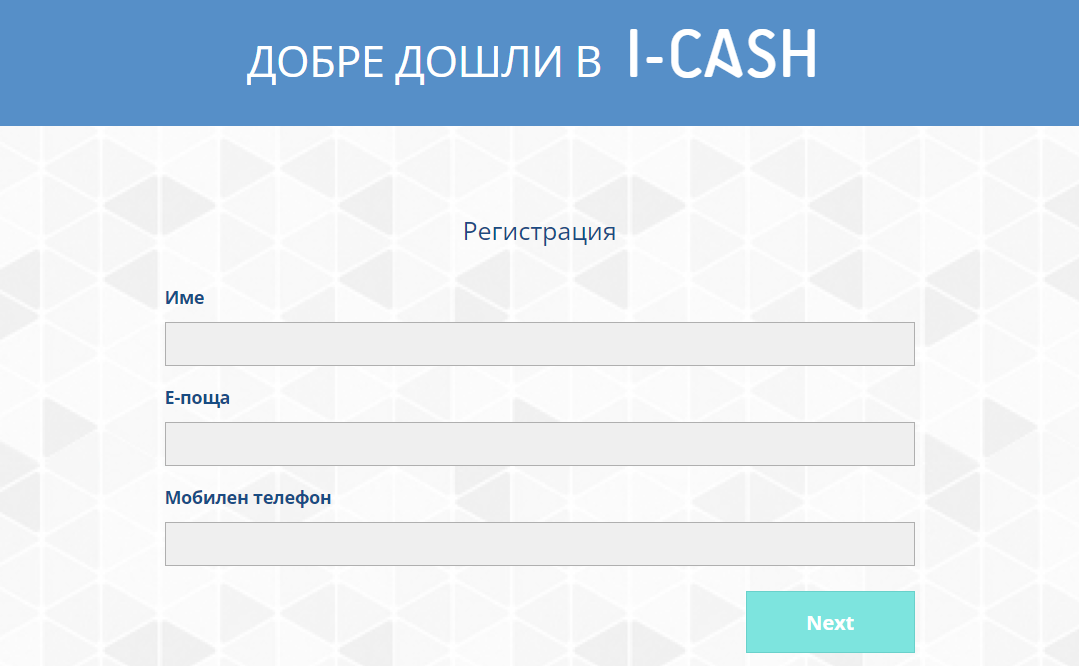
The required fields are:
Name
Email
Contact phone number
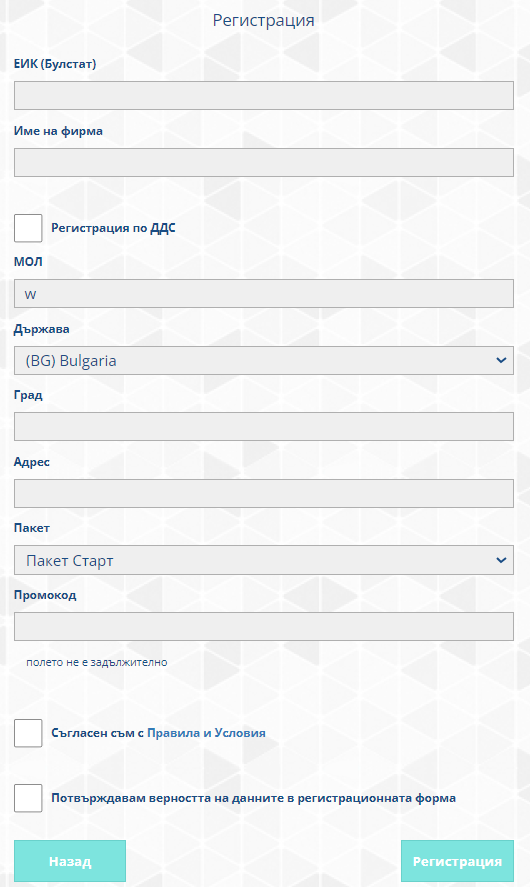
The required fields are:
EIC
Company name
VAT registration (marked => yes, unchecked => no)
MALL
Country
City
Address
Selecting the package you wish to use during your 30-day trial period.
You can get to know them in more detail here => PackagesPromo code - if you have been given a scratch card for a discount.
Agreement with the "Rules and Conditions" and confirmation of the correctness of the data in the registration form are mandatory.
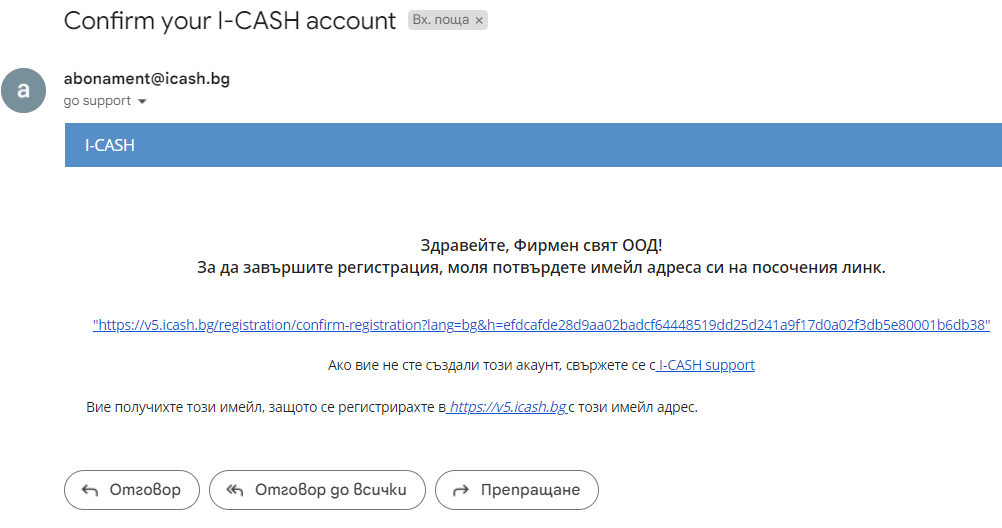
After filling out the registration form, you will receive an email in your mail with a confirmation link to complete the registration.
Please check your SPAM emails if you do not find the confirmation link in the main mail.
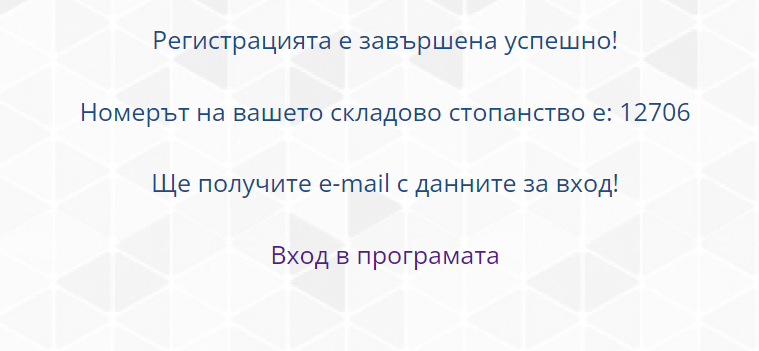
After confirmation, your registration has been successfully completed.
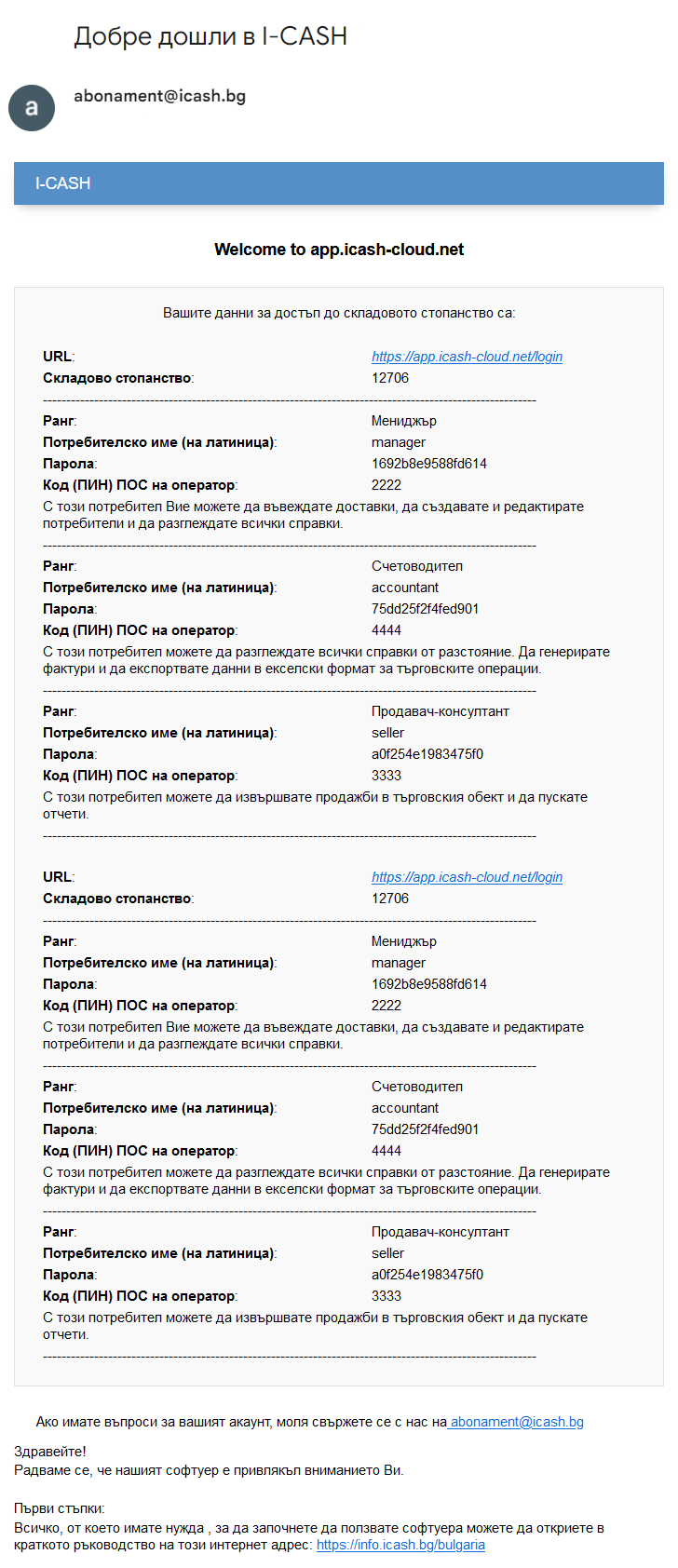
You will receive a second email in your mail with the access data of the different users:
Manager
Accountant
Sales consultant
Each of the specified users has certain system access rights and login passwords in both the WEB and the POS (quick sales module)
Please also check your SPAM mail if you do not find this email.