
Home / User guide / write-off
Write-off
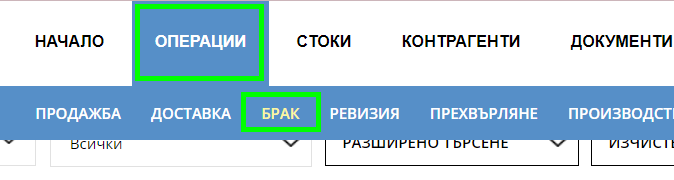
Select from the Operations menu
Select "write-off" from the "Operations" menu.
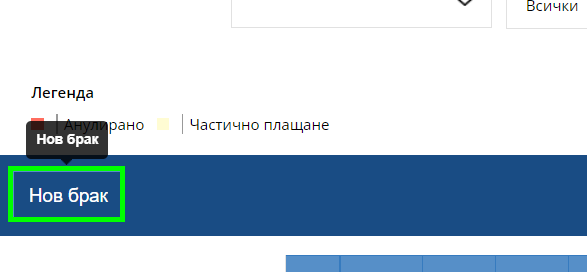
2. Select the "New write-off" button
To scrap a product, you need to click on the "New scrap" button. It will take you to a new window from where you can perform the operation.
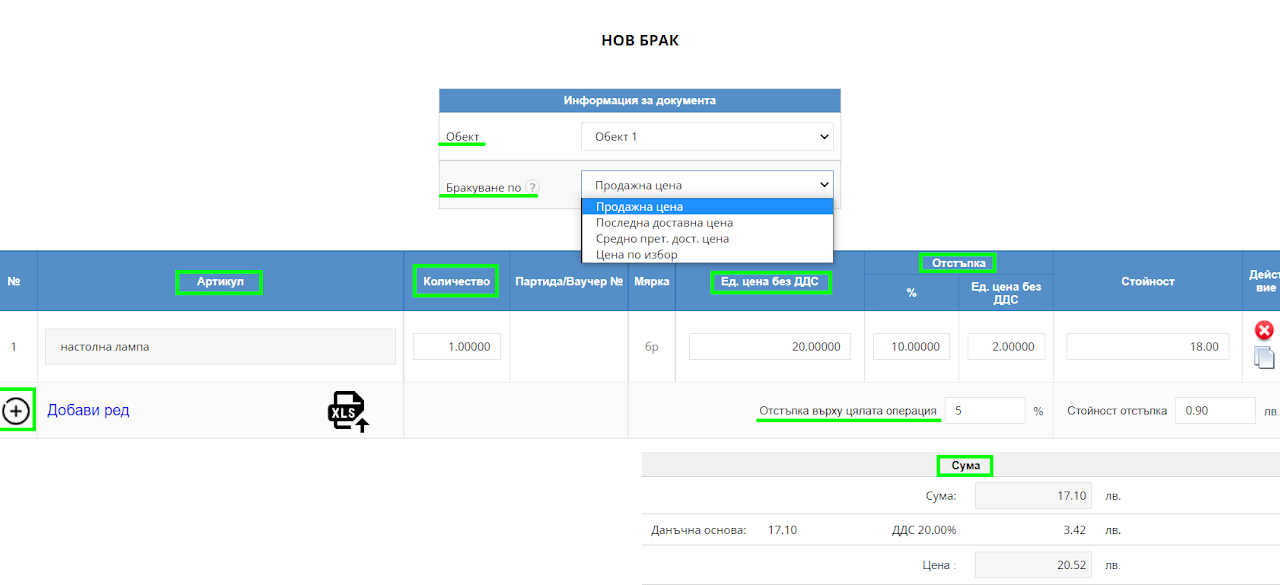
3. Fill in the write-off details
Choose from which site you want the scrapped goods and at what price to scrap them. Then select the items to scrap, their quantity, unit price excluding VAT, discount on the item itself, or on the entire operation. If your business account is registered for VAT, it will automatically be added to the amount.
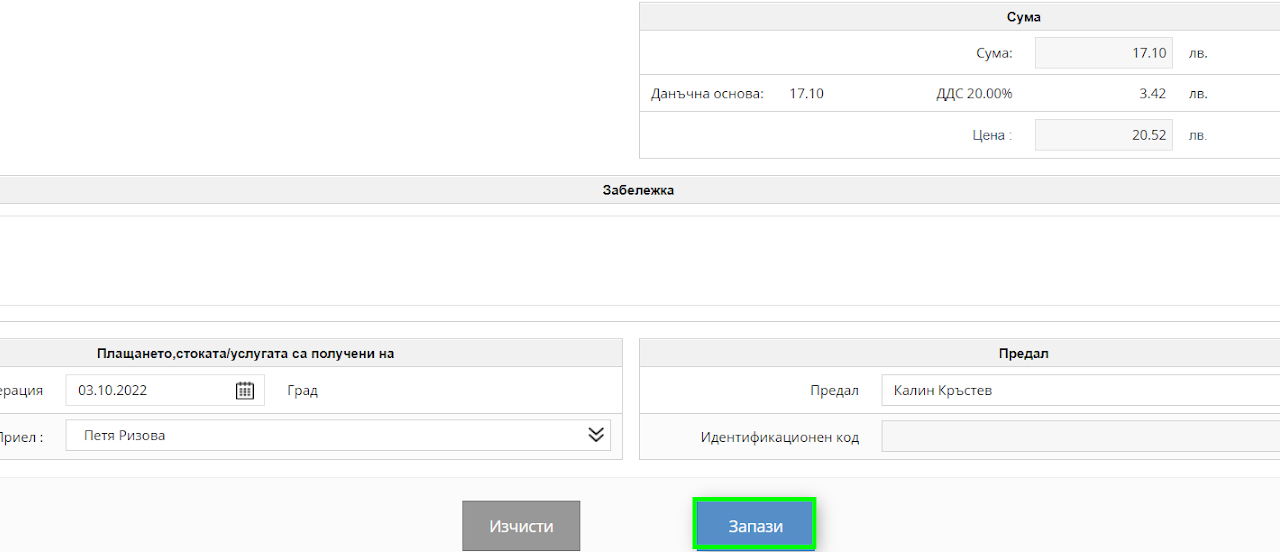

4. Select the "Save" button
To finalize the operation, click on the "Save" button. In your list of write-offs, you will find all the write-offs to date.