
Home / User guide / Homepage
Homepage
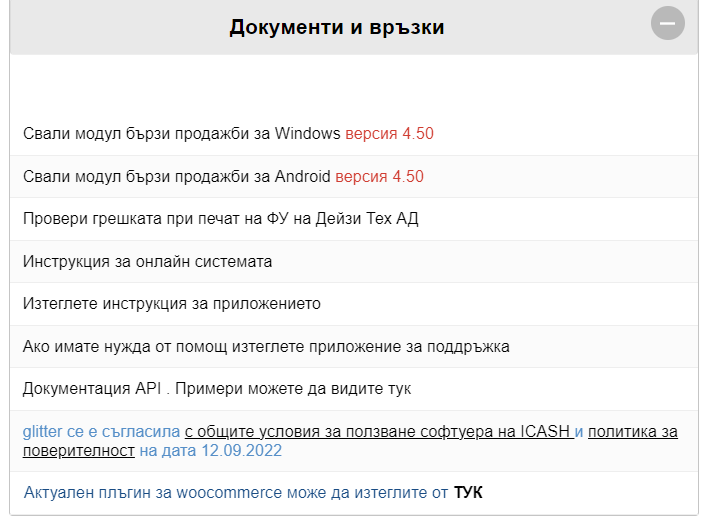
Documents and links
You can download the Quick Sales POS app from here, depending on the operating system you are using.
Check the error when printing the FU of Daisy Tech AD
-> you will find a link through which you can check an error occurred originating from your fiscal device if it is a Daisy brand.
Instructions for the online system
Download application instructions
If you need help download a support app
API documentation
Up-to-date WooCommerce plugin
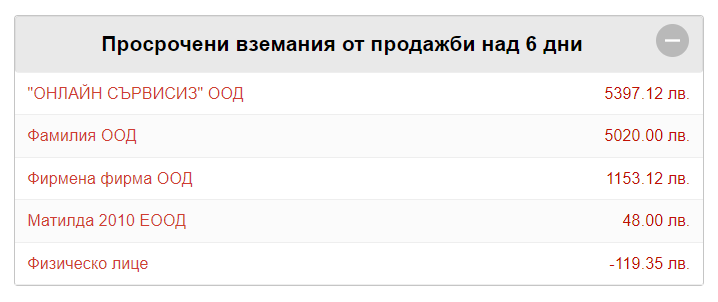
Sales receivable over 6 days overdue
Through this report, you can track each of your customers who owe you more than 6 days. The report provides information about the business partner who has an obligation to you, as well as about the amount owed. If a payment is made in the future for the operation in question, the name of the given business partner will stop being displayed in the report.
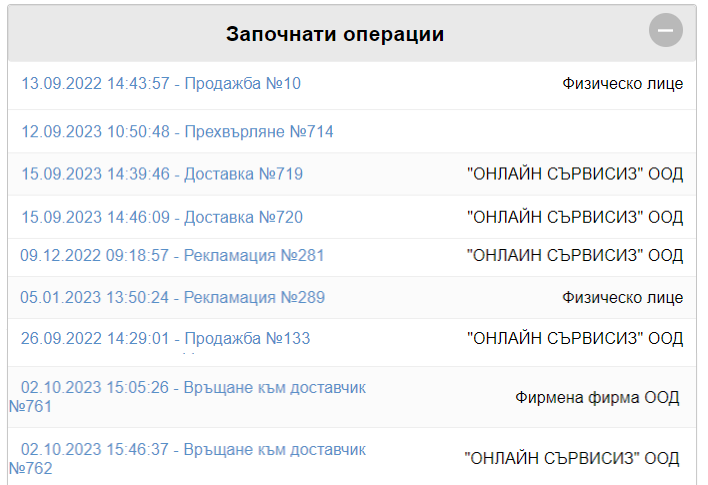
Operations started
Every single operation (Sales, Delivery, stocktake, write-off, Production, etc.) that you have started, but due to circumstances have not completed, can be found in this report.
When you finalize the operation it will no longer be visualized in the specified report.
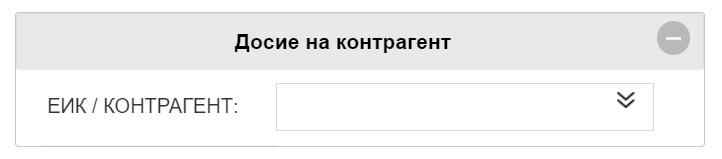
Business partner profile
A business partner file is a report through which you can track all obligations and operations related to the business partner. You can read more details in the mentioned article: Business partner profile
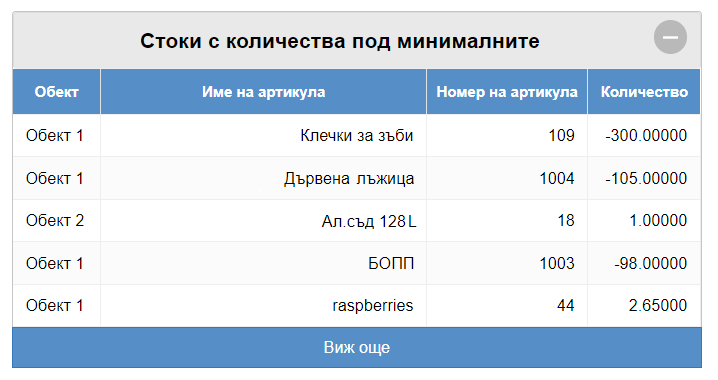
Goods with quantities below the minimum
If you want to keep track of the finished goods in your warehouse, this report will be extremely useful. It provides information for each product for which you have previously marked a minimum quantity and is intended to signal when the quantity of the given product reaches the set minimum.
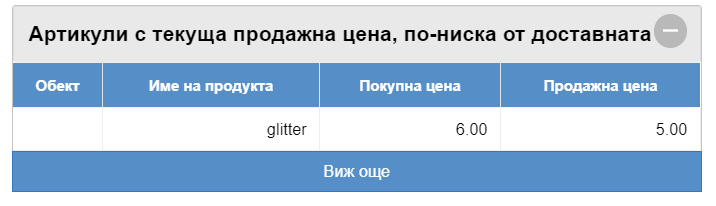
Items with current selling price lower than delivered
This report will give you a list of all items that you have sold for less than they were delivered at. It's also a way to track if you've made mistakes in your operations on these items.
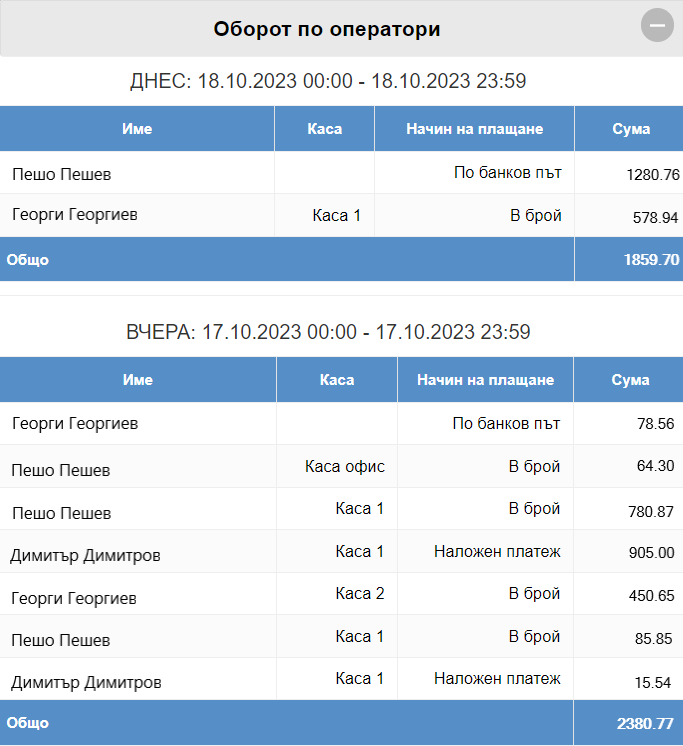
Turnover by operators
The report is a list of every single user that operates the system and is a great way to track the turnover of each one of them. The turnover will be correctly reflected only and only if each user when working with the program logs in with his own data - username and password.
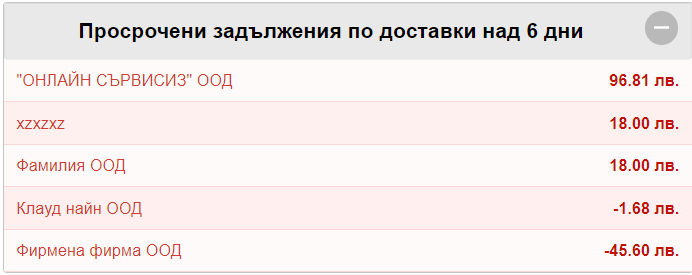
Arrears for deliveries over 6 days
In this window you will find all the overdue deliveries you have. As in this case, the system alerts you for unpaid/underpaid deliveries made 6 or more days ago.
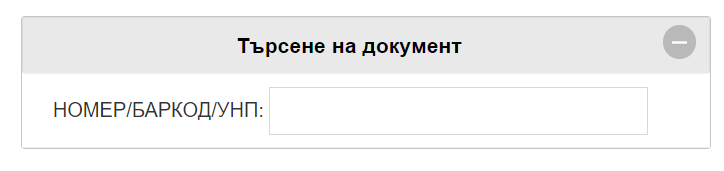
Search for a document
You can search for a document by invoice number, goods receipt, proforma or document barcode, if there is one added it can be scanned and the document will be visualized on the screen.