
Home / User guide / Return to supplier
Supplier return
Adjustments to delivery

New supplier return
For a new return to a supplier, it is necessary to enter Deliveries and find the specific delivery there. On each delivery on the right you will find a blue inverted arrow through which you will be able to create a new return to supplier.
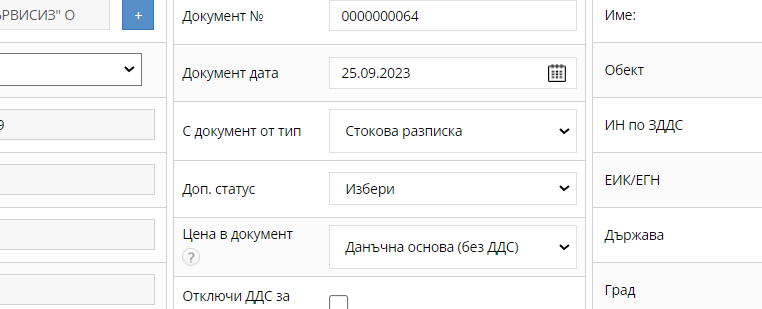
Document information
A new return to supplier will load the same information as the delivery you selected.
In the document you will find the date, number, type of the document, add. status to it and what tax base it is on.
There is also the possibility of editing the VAT.
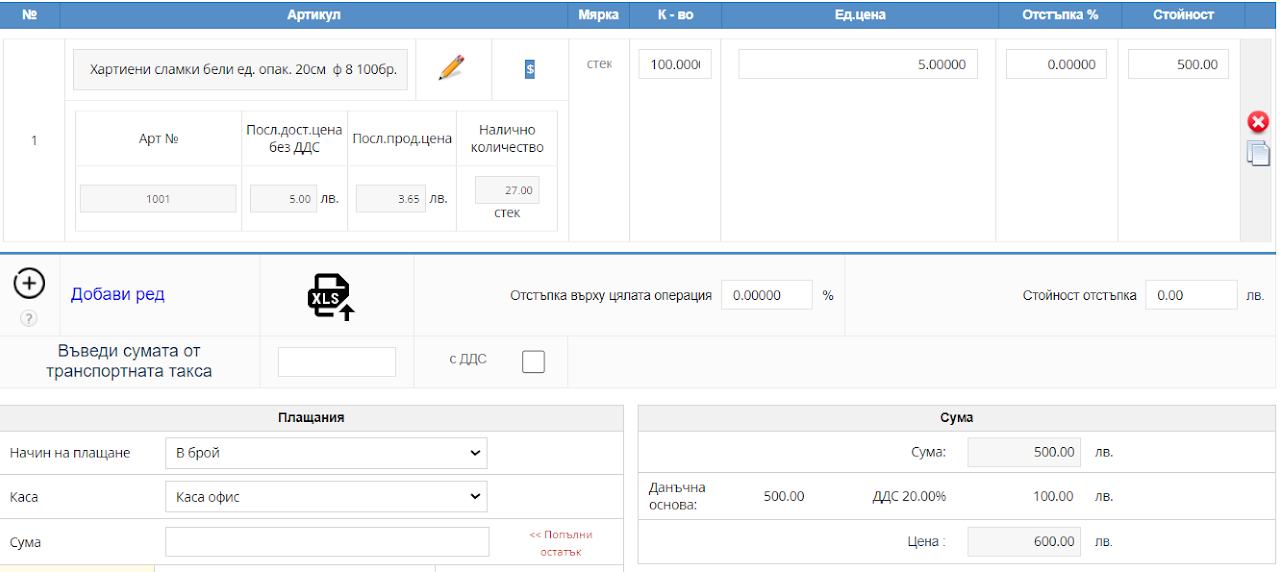
Items
The document will load the same items and quantities as from the delivery.
Quantities are subject to revision.
Also the goods if there are any items you do not wish to return to a supplier - > these items should be deleted.
Only the quantities and items that you will return to the supplier should remain in the operation.
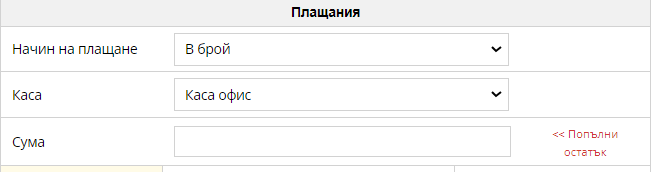
Payment method
In Payment Method, you must select the same payment method that you originally selected when creating the shipment in order to receive a refund on reports.