Home / User guide / Payments on invoices
Payments on invoices
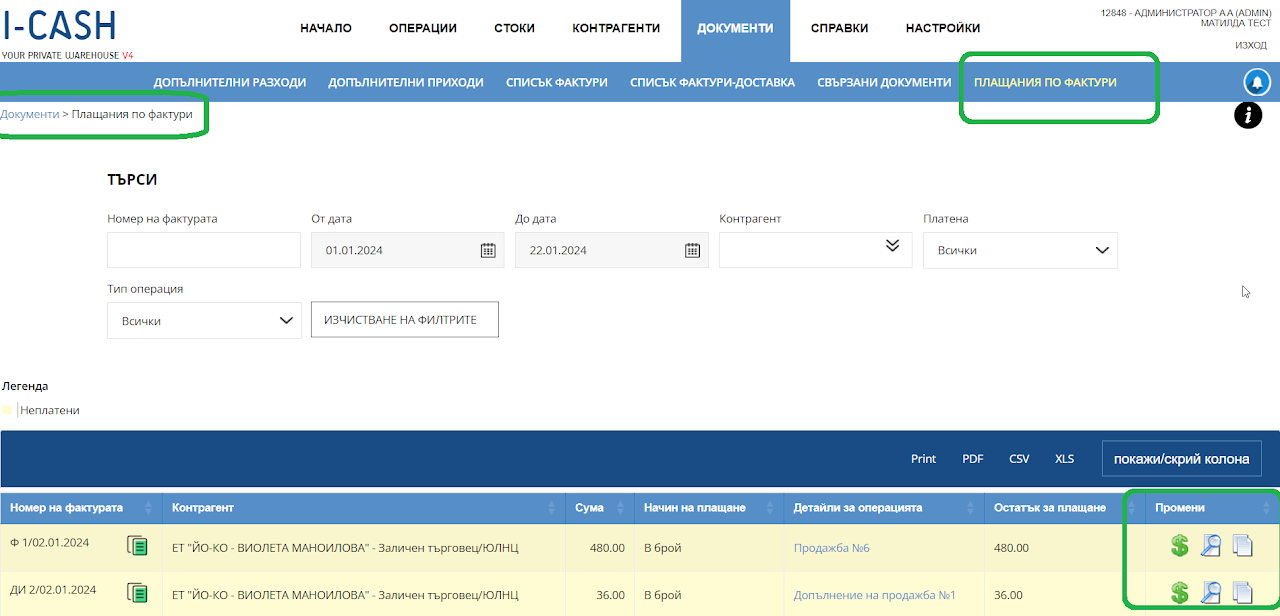
The "Invoice Payments" report provides an ideal opportunity to finalize your payments on unpaid "Invoice" type documents that you have issued through sales, deliveries, customer returns and returns to supplier operations.
The number of the operation will be displayed, from which date it was created, to which business partner it is, for what value, which payment method was used and how much balance is left to be paid.
Transactions will be yellow, which means they are unpaid.
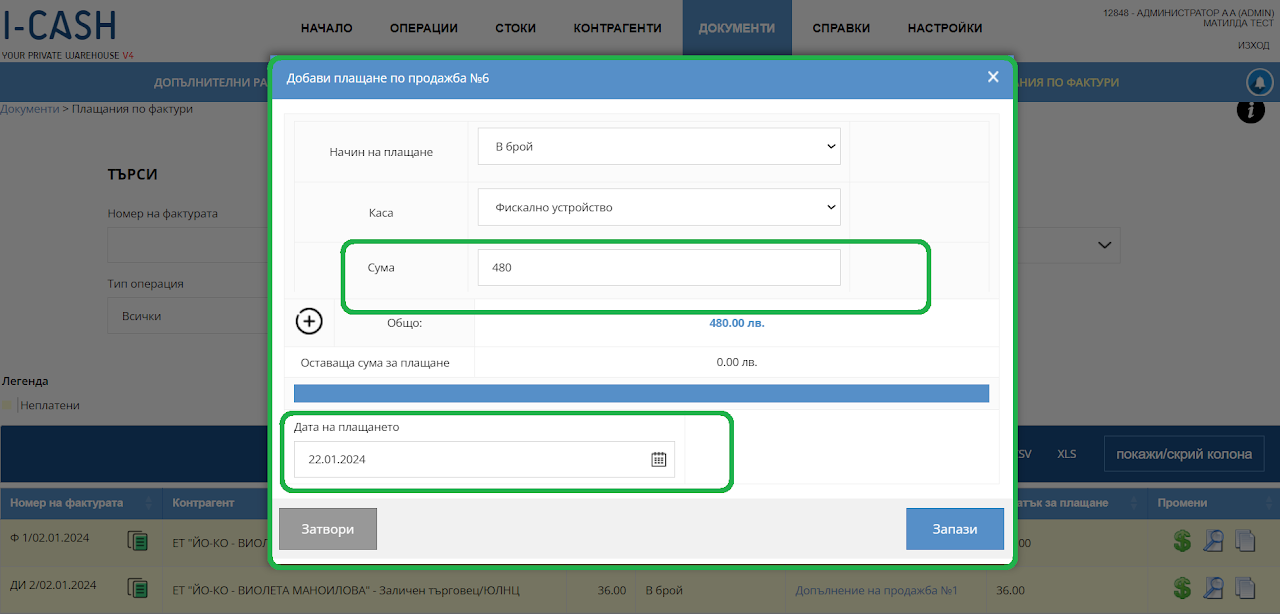
Each operation has a dollar icon on the right, through which you can add the payment.
After the top-up, the operation will be colored white, which means that it has been paid in full. You can track all paid and unpaid invoices.
You can also refer to these documents both in "Documents - List of Invoices" and in "Operations - Sales".