
Home / User guide / business partner file
Business partner profile
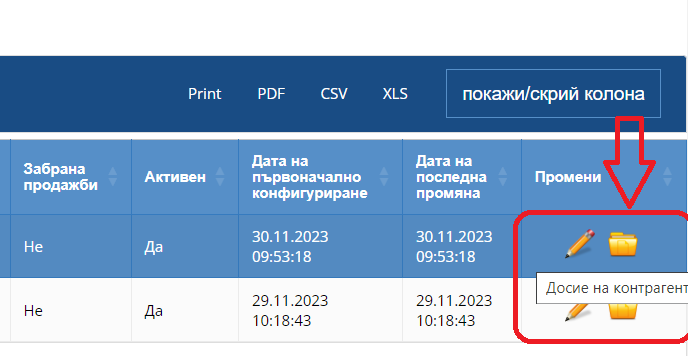
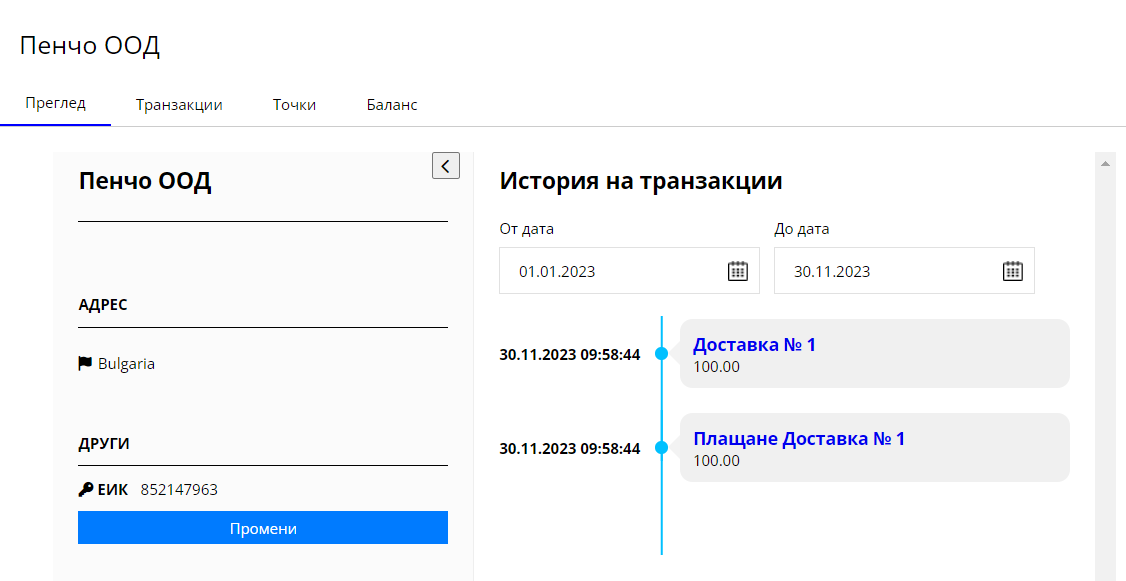
For "Review file" you need to enter business partners and from there on each business partner on the right you will find an option to view the customer file.
In "View" you will find the name, EIC and address of the business partner.
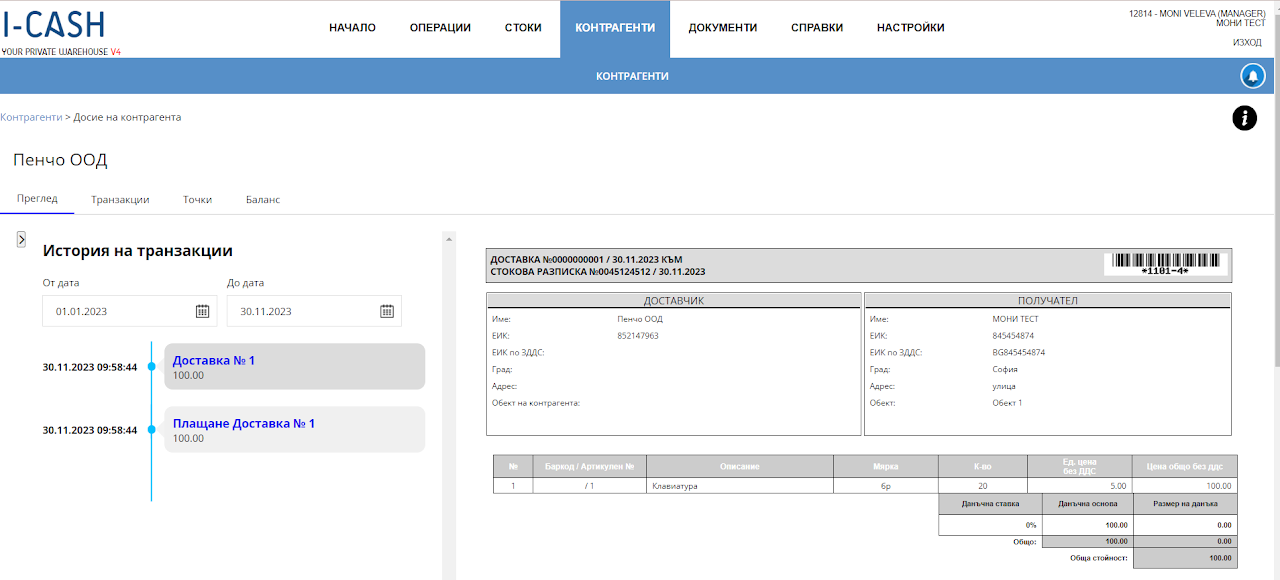
Transaction history:
- In transaction history, you can specify the period in which you want to check all transactions and documents related to the selected business partner. For a document (delivery or sale) that you wish to check, you can select the operation and the document will be visualized for you.
Transactions
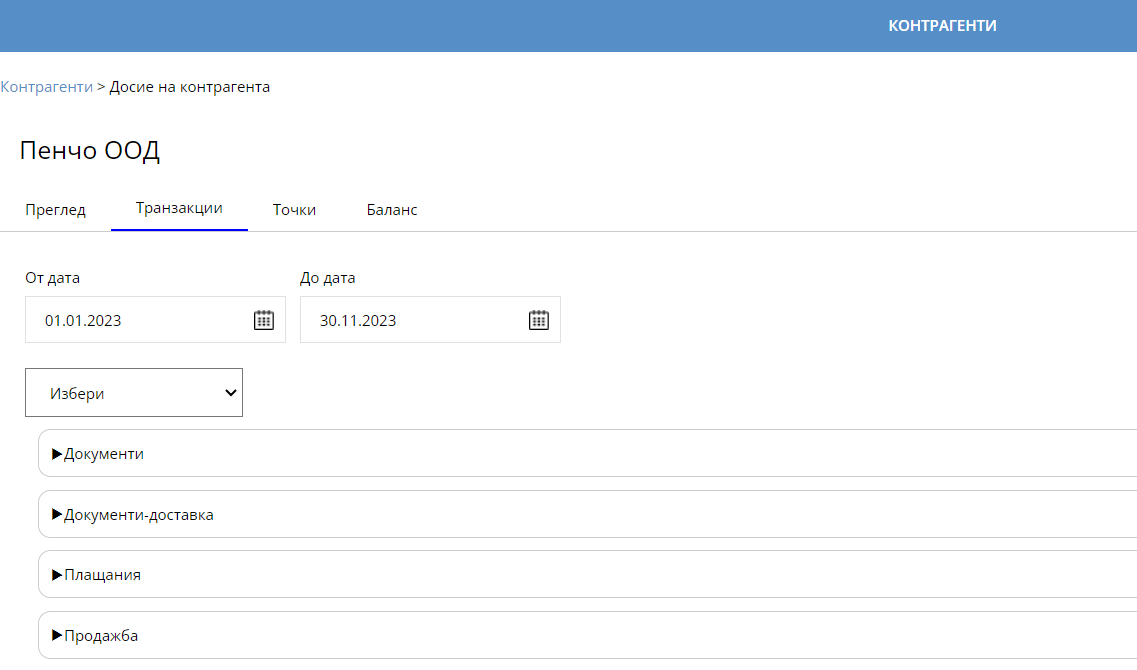
In "Transactions" you will track all operations in detail.
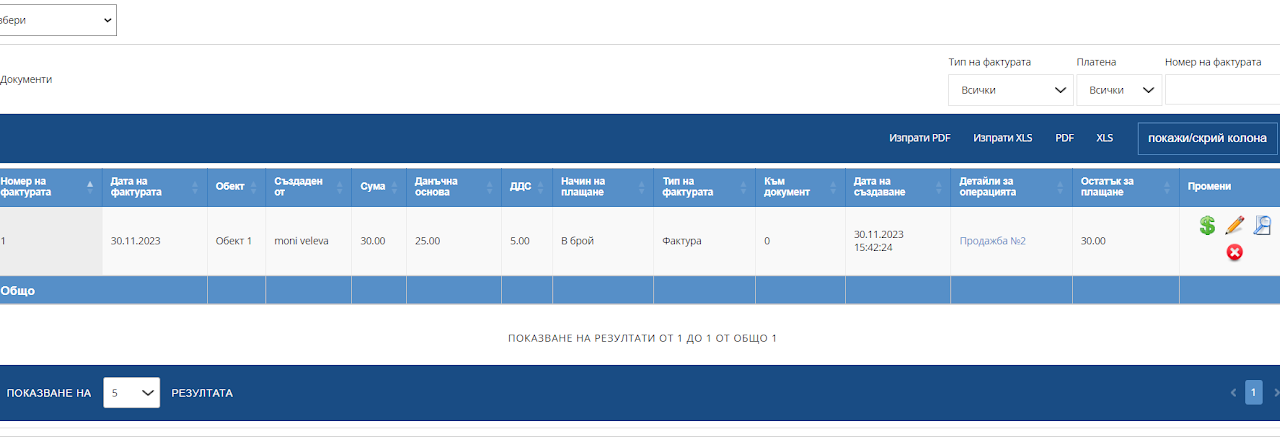
Transactions - Documents
In Transactions - Documents, all sales are visualized for which a document has been issued - Invoice, Credit Note - finalized documents that you can track.
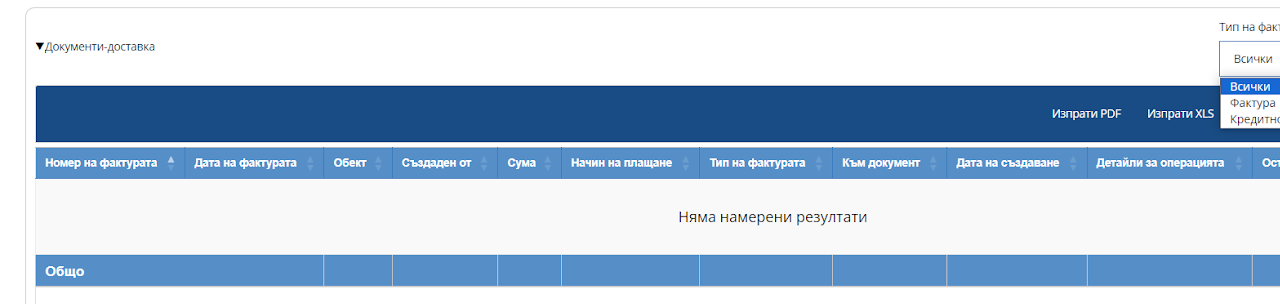
Transactions - Documents - Delivery
In Transactions - Documents - Delivery - all deliveries are visualized for which a document has been issued - Invoice, Credit Note - finalized documents that you can track.
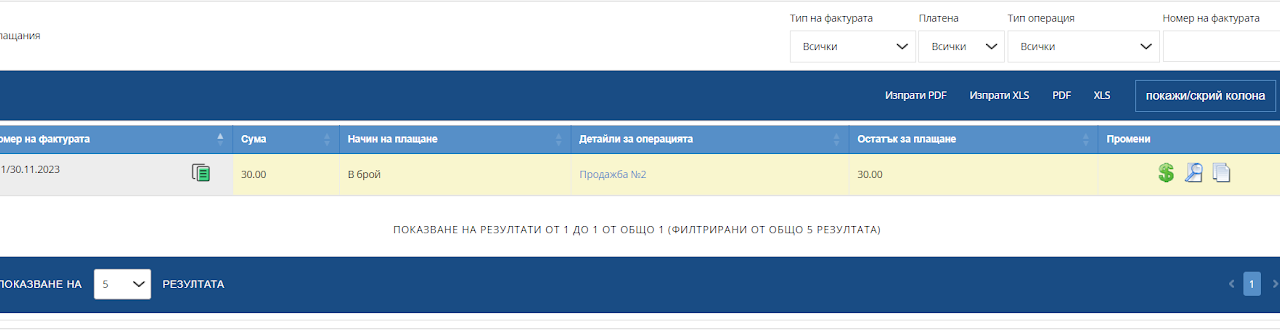
Transactions - Payments
In "Transactions - Payments" you will see those operations for which payment needs to be made if the operation has not been overpaid. You can filter and view only unpaid deliveries or unpaid sales.
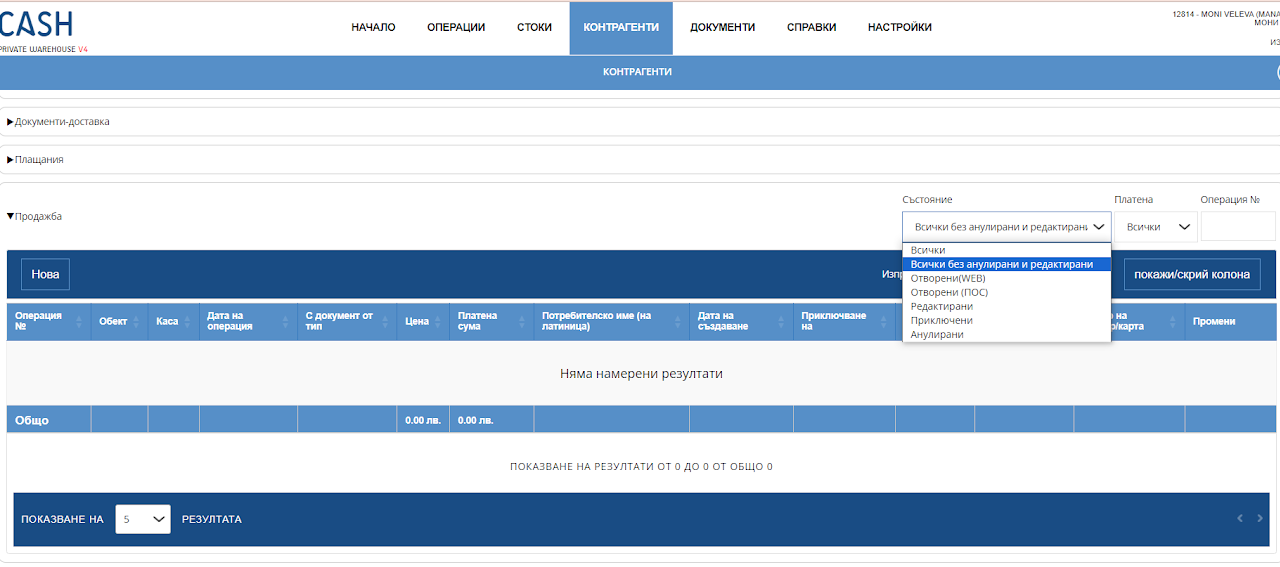
Transactions - Sale
In this report, you can track all sales made to the specified business partner.
Transactions - Shipping
In this report, you can track all deliveries made by the specified business partner.
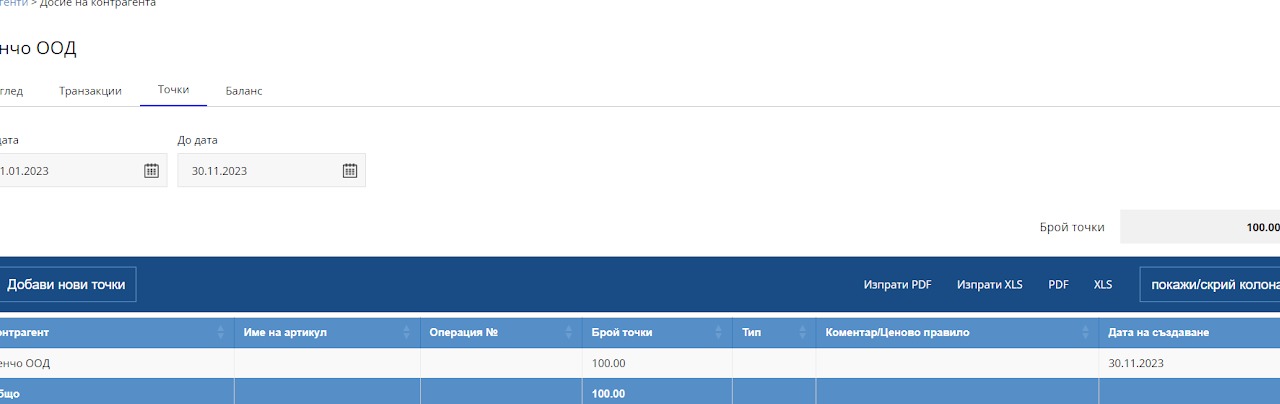
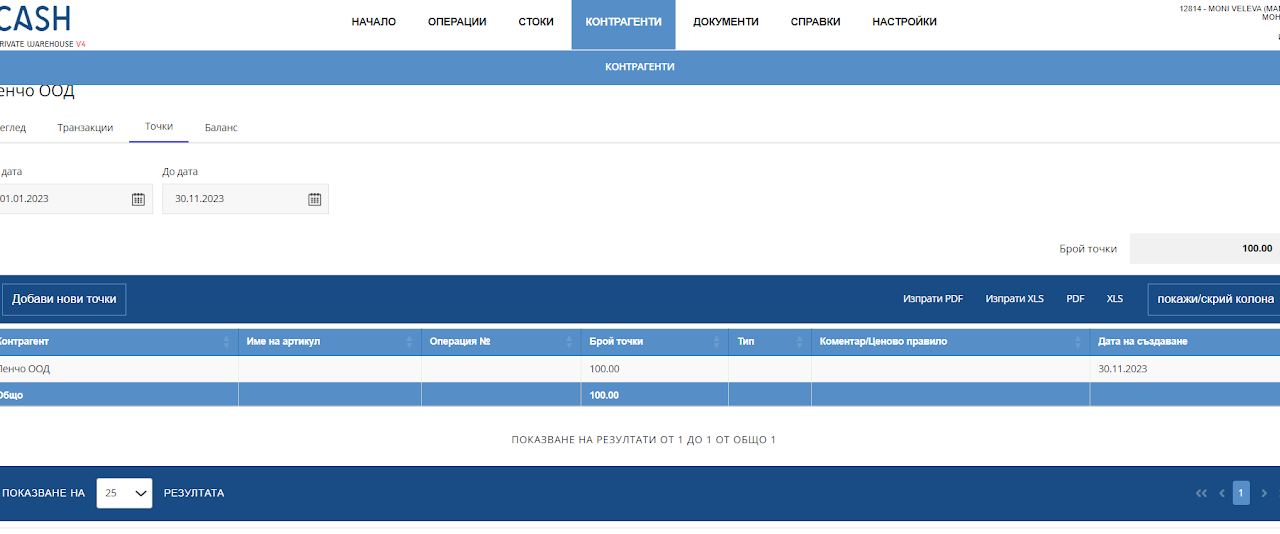
Points
You can track how many points the business partner has accumulated at the moment. If you are working with a point system.
! The point system is created through "Pricing Rules" and through an additional payment method for paying with points.
You can read more about the creation of the point system and HERE
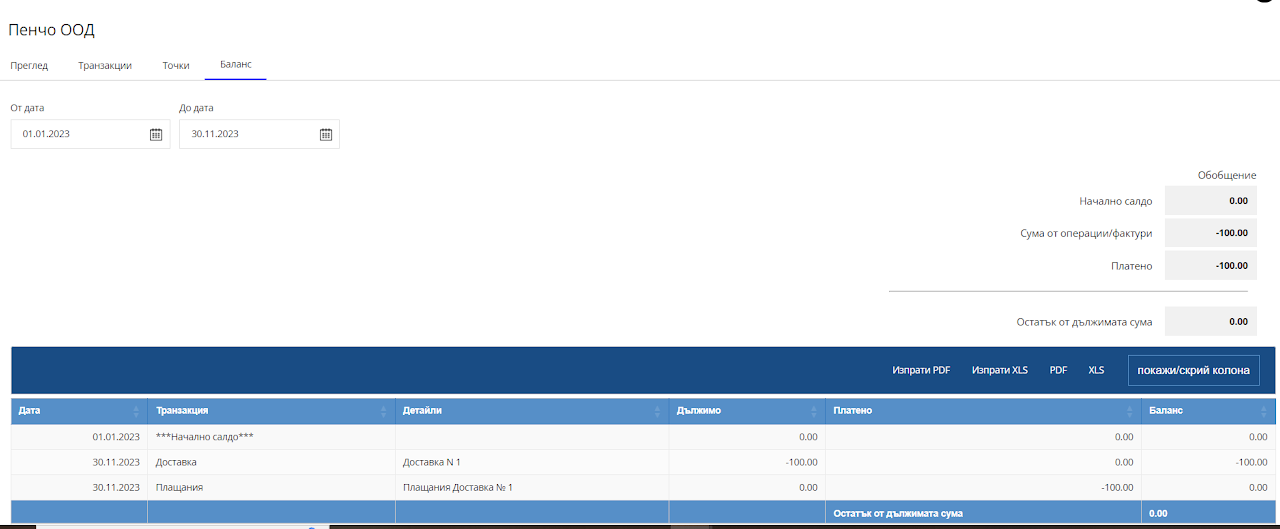
Balance
The balance sheet is a detailed report of all operations performed to a business partner, such as customer returns, sales, deliveries, returns to a supplier, Credit Notices and edits that are tied to some type of payment.
The idea of the "balance sheet" is to track all payments to a business partner and sum up the amount owed to or from it, depending on whether it is a supplier or a customer.