
Home / User guide / Subscription
Subscription
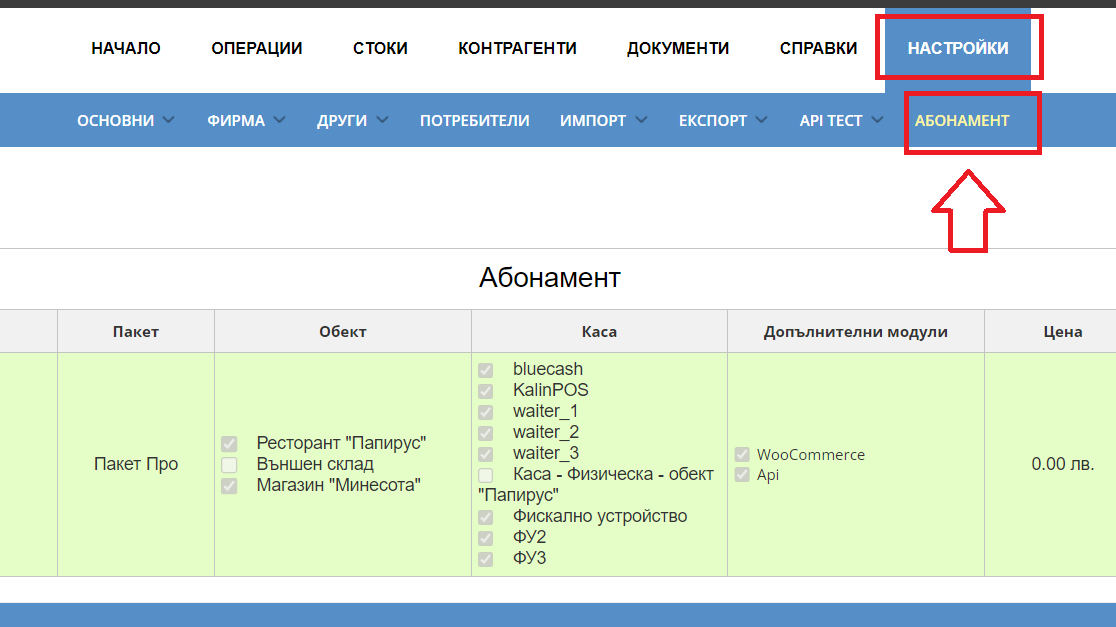
Navigation
Please navigate to Settings - Subscription menu
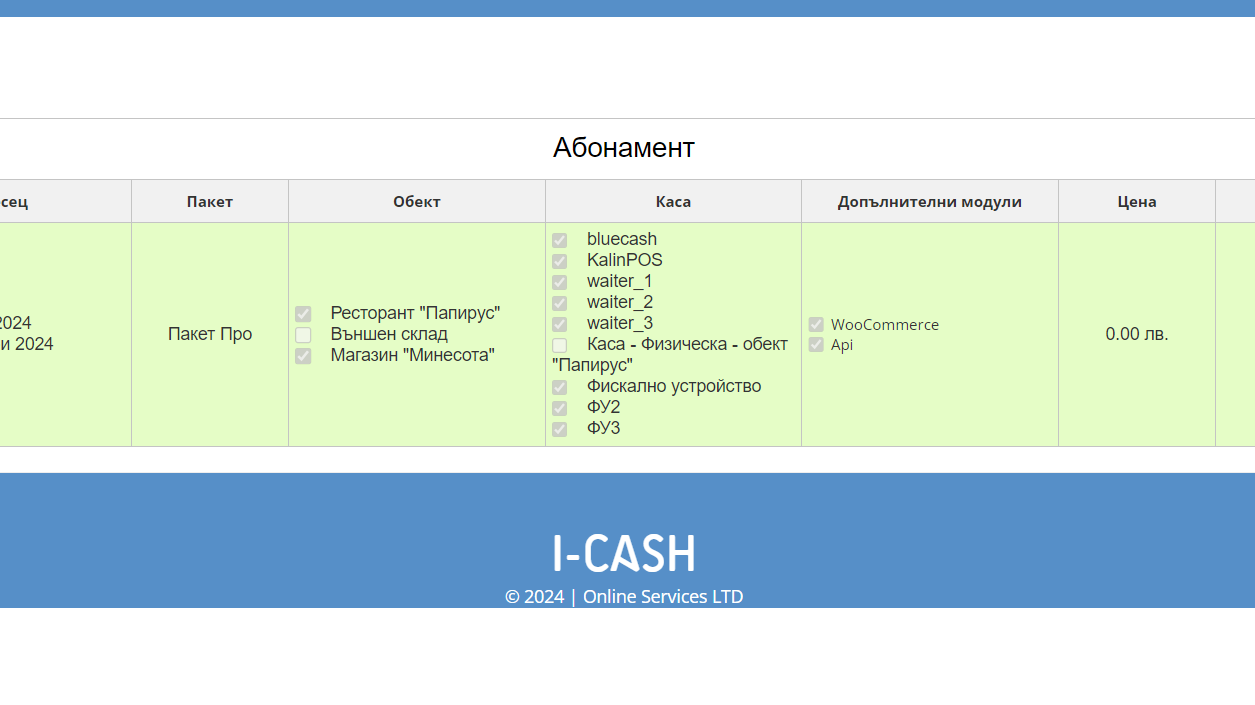
Information
In this menu, the client receives information about active modules and functionalities. You can check until when the subscription has been paid and how many additional sites and cash registers are activated. What is the payment amount can be checked in the Price column. The report is divided into months, with the customer seeing only the remaining period.