Home / User guide / Additional statuses
Additional statuses
Add new status
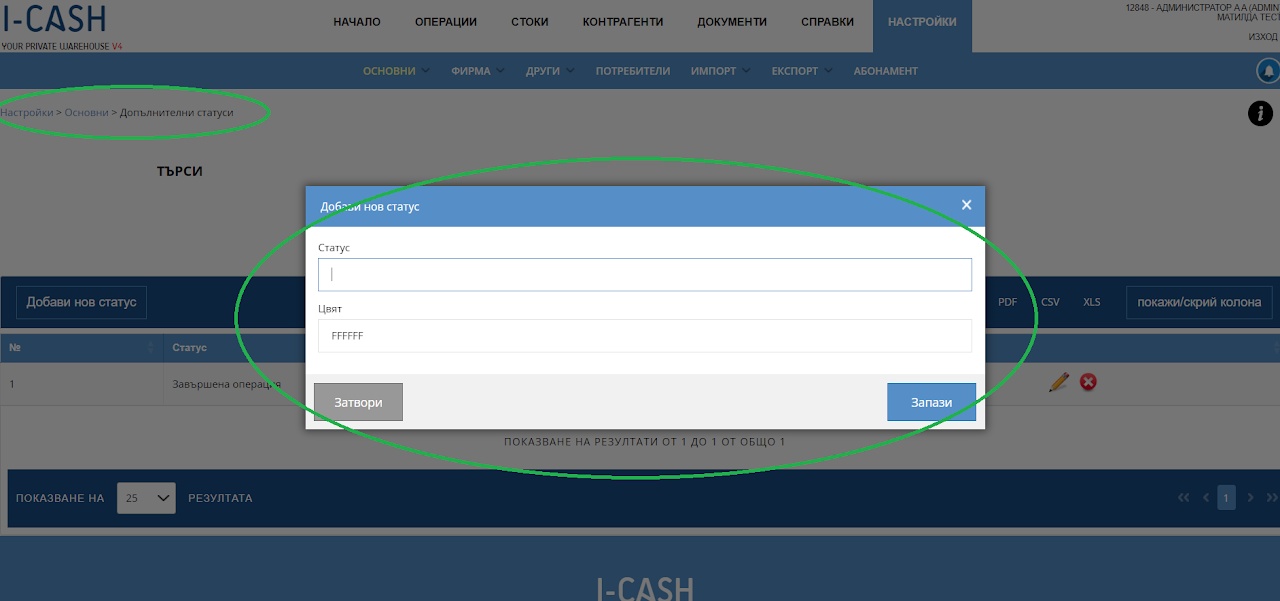
Additional statuses are an ideal way to track the status of an order and in this case create statuses that guide you on your way through the warehouse for each operation.
Statuses are created through Settings - Basic - Additional statuses.
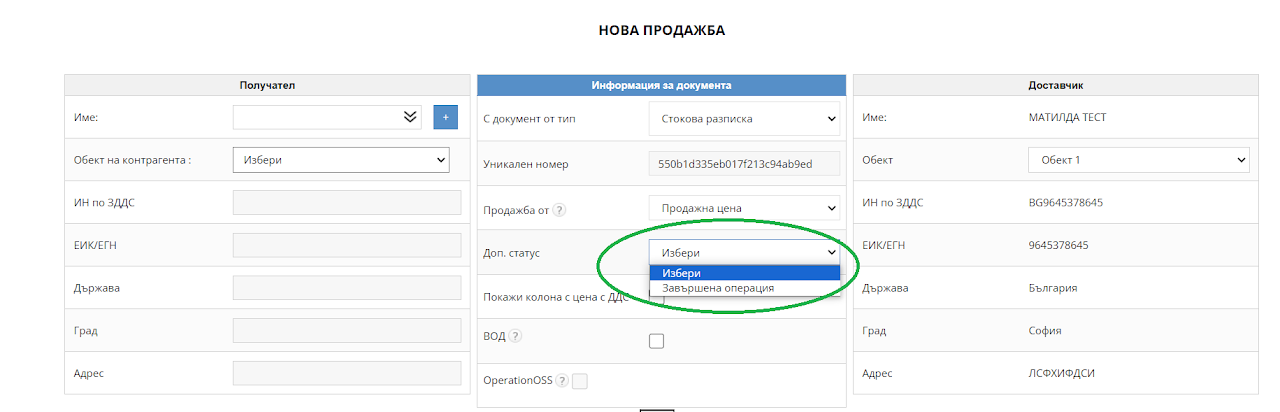
You can create statuses that will subsequently be reflected in operations - sales, deliveries, write-off, transfer and production.
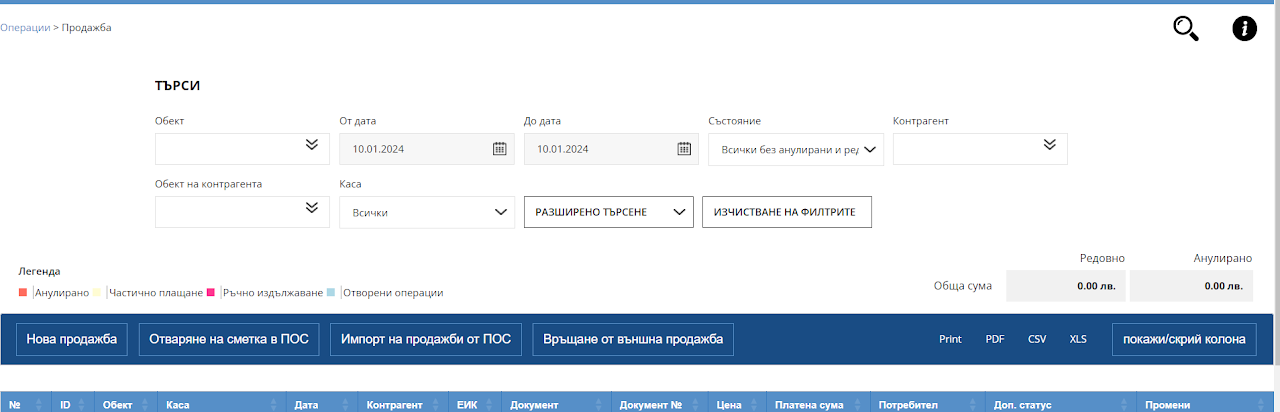
With these statuses, you will be able to navigate the lists of each of these operations. Columns will be displayed, including the statuses you created.
List of operations - statuses
In a new operation - Additional statuses