
Home / User guide / locations
Locations
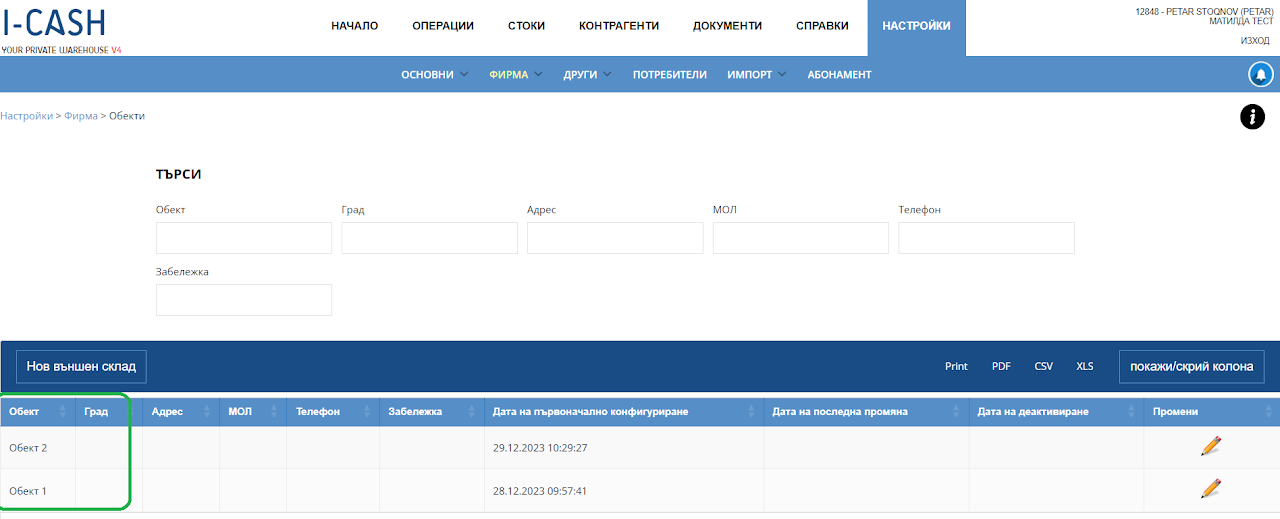
View locations
In Settings - Company - locations you will find all the locations with which the warehouse works.
An location with monitoring of stocks and movement of operations and warehouse is created only and only by an administrator, and for its creation you need to contact the support of I-Cash from the contacts indicated on our site.
You have the option to create an "External warehouse" which represents a virtual location to which operations and stocks can be attributed.
There is no inventory tracking for the virtual location, and no reports to it in the warehouse.
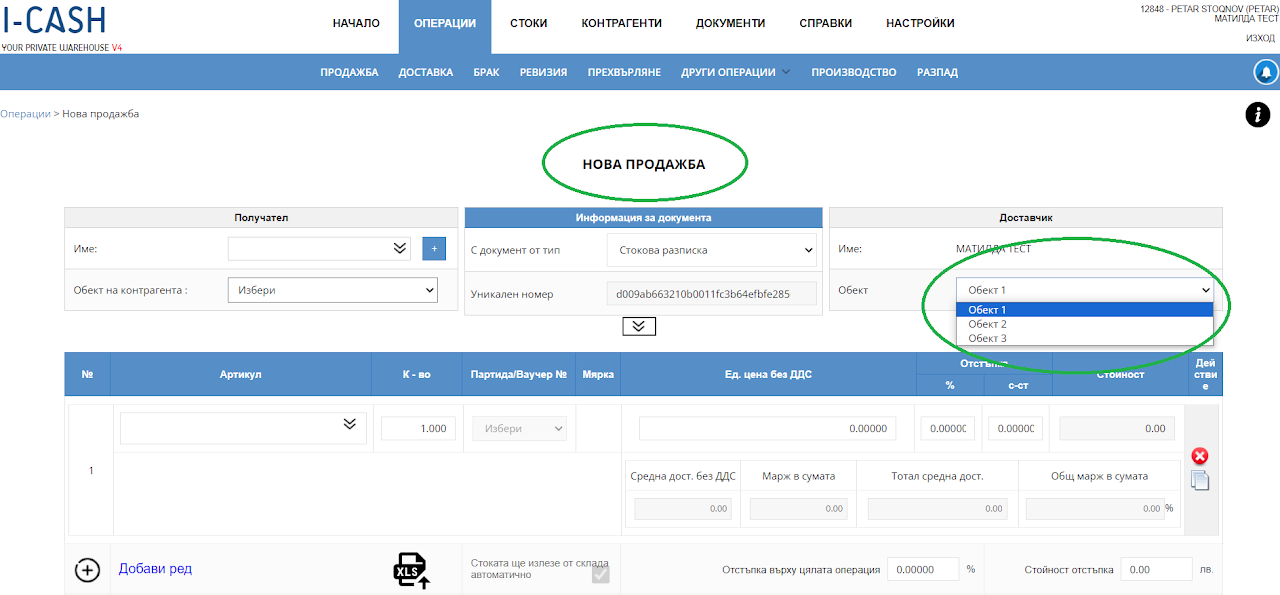
location preview
The location is selected from a new operation with which you wish to declare that you assign the given operation to the location you specify.
By selecting an location, in reports you will be able to track the movement of all operations, quantities and amounts linked to this location.