
Home / User guide / Sale via POS
Selling through POS
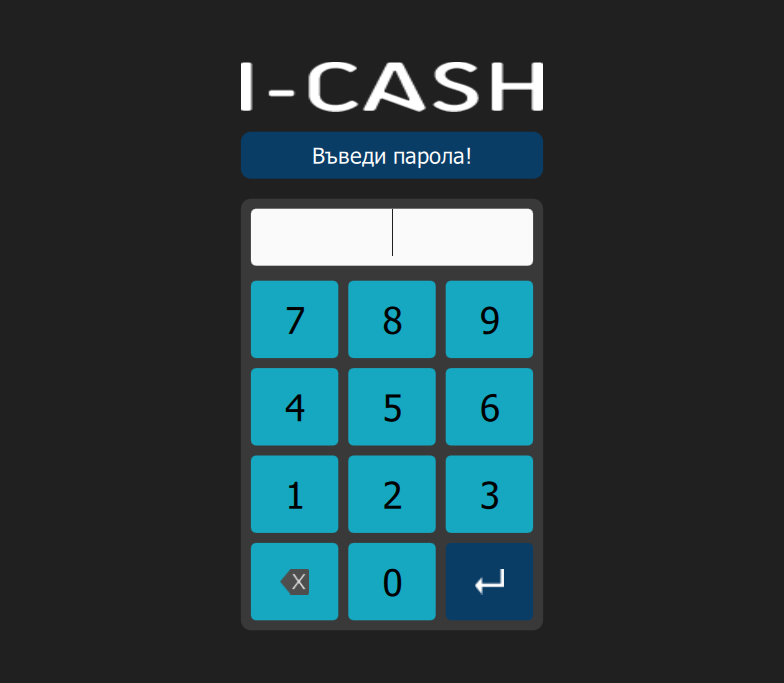
Turn on the quick sales module
Enter your POS PIN.
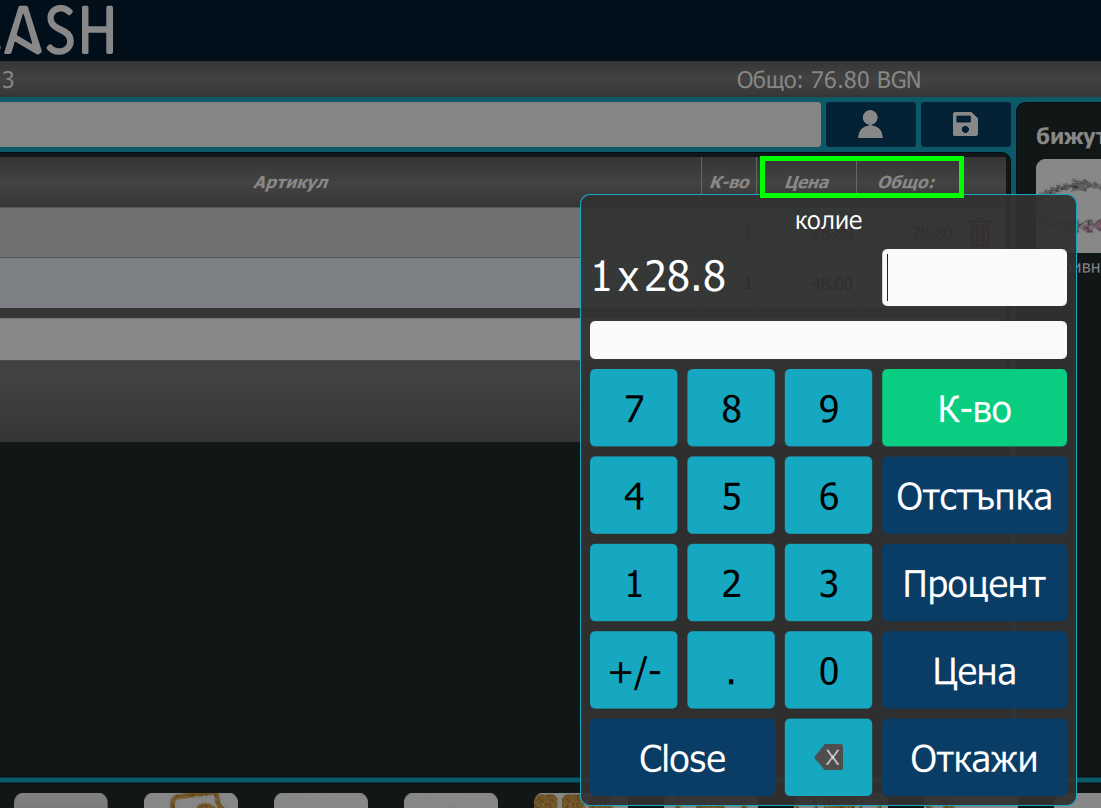
2. Select items
Select the items to sell.
Fill in quantity or discount.
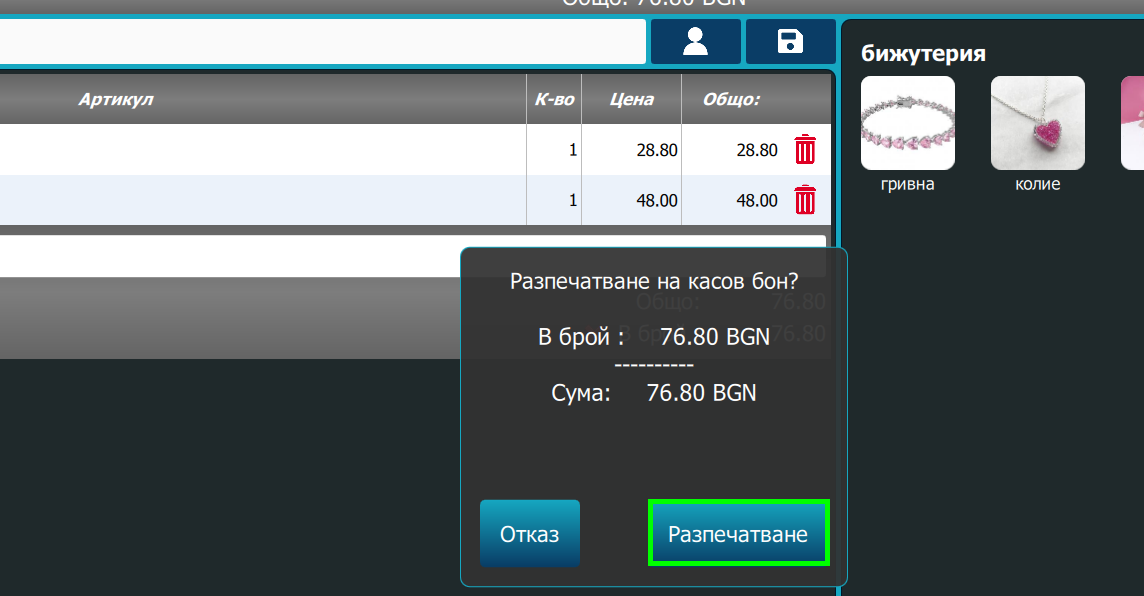
3. Press "Receipt"
After all items have been selected, press the "Receipt" button.
Click "Print" in the pop-up window.
Note: The fiscal device will print a receipt.
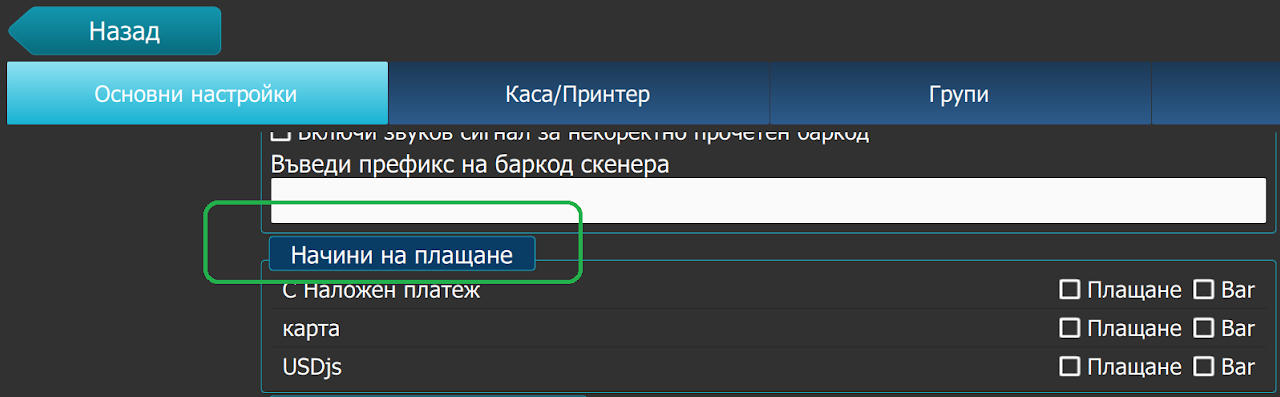
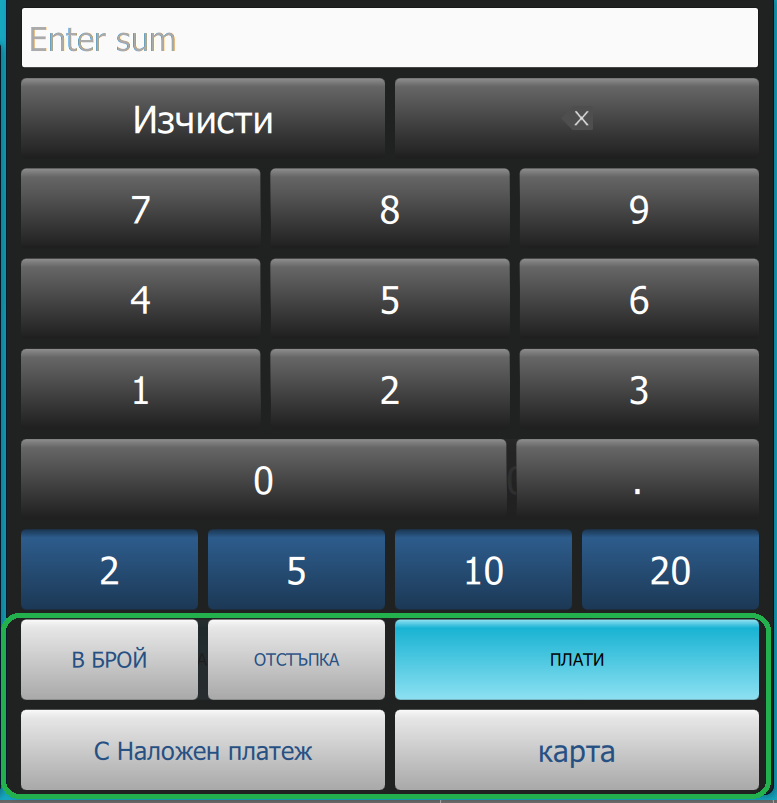
4. Filling methods
To add a different payment method you need to contact I-Cash support at info@icash.bg or on the indicated telephone numbers on the site of ICASH.BG
After you have added the payment methods you will work with, they will be visualized in the POS menu, from "Menu - Settings - Payment methods"
From there you will be able to select the methods you will use and the setting will be saved in such a way that with each new sale the "payment methods" will be optional when the sale is finalised.