
Home / User guide / Report by stands
Report by stands
REPORTS FROM A NON-FISCAL DEVICE (THERMAL PRINTER)
To print information through a non-fiscal printer, it must be connected to the program and set up to work with it. Information on connecting a thermal printer to a computer (Windows) or tablet (Android) can be found on our blog. There you will also find information on preparing templates (note design with personalized information in the form of personal text and pictures) and how and in what way we can use them.
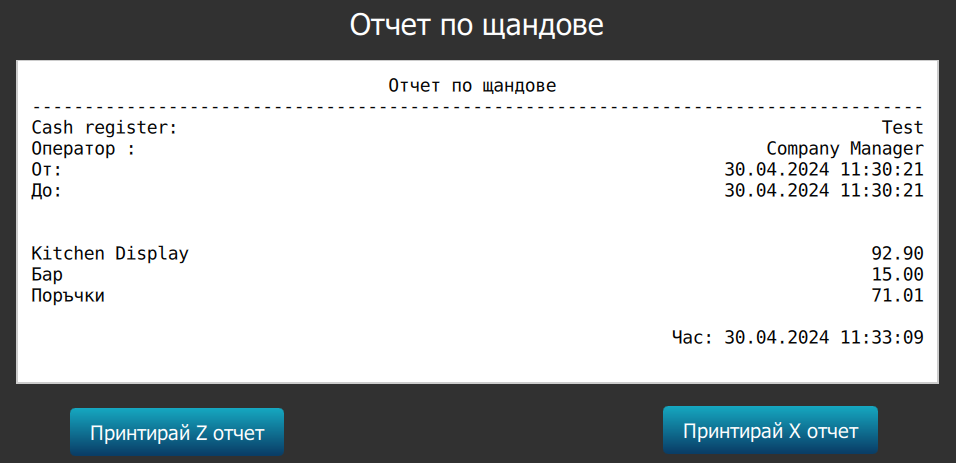
REPORT ON TURNOVER / BY STANDS PER USER
This is a report that is used by restaurants and fast food establishments. On it you will find information about accumulated turnovers by stalls (units - kitchen or bar) for the current user. The report includes - user name, reporting period, sums by stands and time and date of printing the report.