
Home / User guide / Quantity check
Quantity check
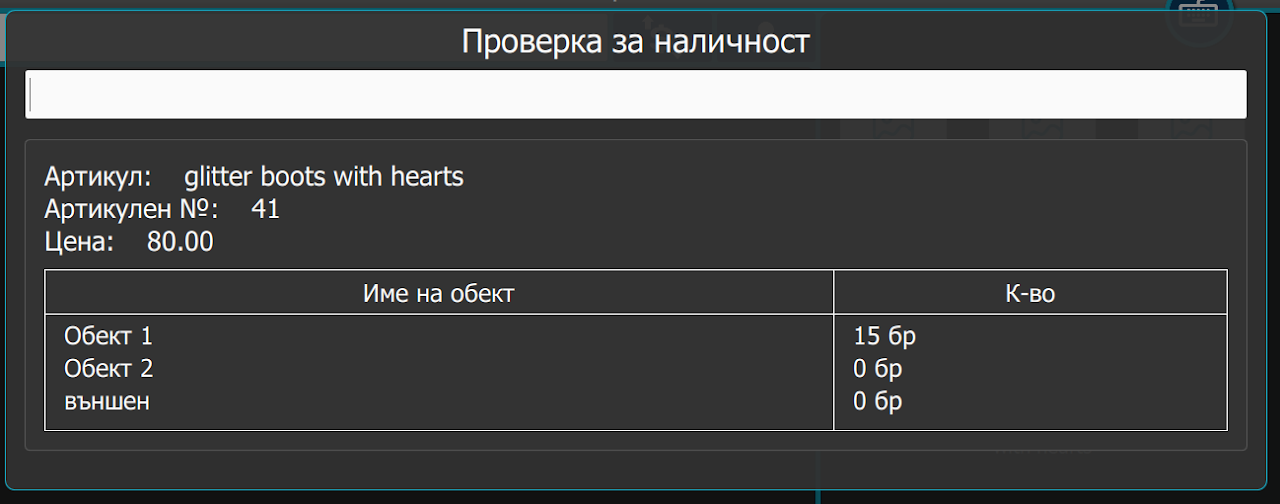
This menu option allows you to check the available quantity of a selected item. An internet connection is required for this to happen, as the information is synced with your internet account in the warehouse.
Verification process:
Navigate to the menu where the check availability option is located.
Select the item whose quantity you want to check.
Click the "Check Quantity" button.
The system will connect to your online profile and retrieve the most up-to-date information about the item's availability.
The quantity will be displayed on the screen.