
Home / User guide / Emails sent
Emails sent
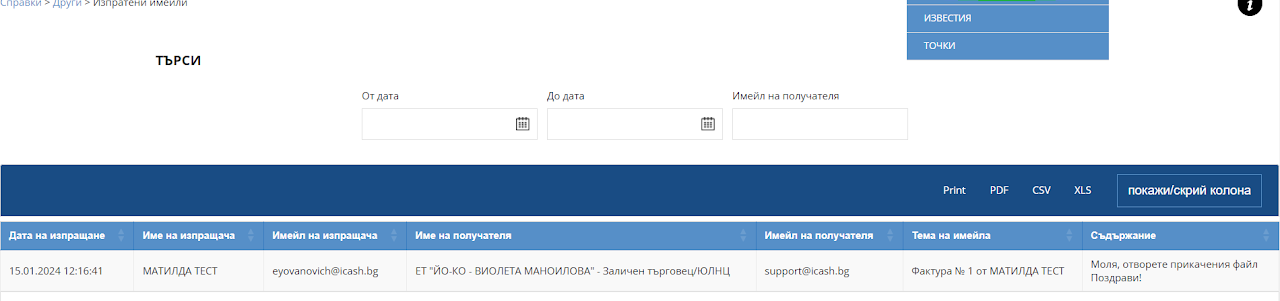
To view the report for the emails sent so far, you need to go to "reports - Other - Sent emails"
If the specified report is not active, you need to contact support at support@icash.bg or to the contacts listed on our site.
After entering the "Sent emails" report, you will see a list with detailed information to which business partner, email and date on which the document was sent by email.
You can search for information on a period of time and track which document you have sent to the business partner.