
Home / User guide / Availability by location
Stock by location
Inventory by Item report available in reports panel, Items menu
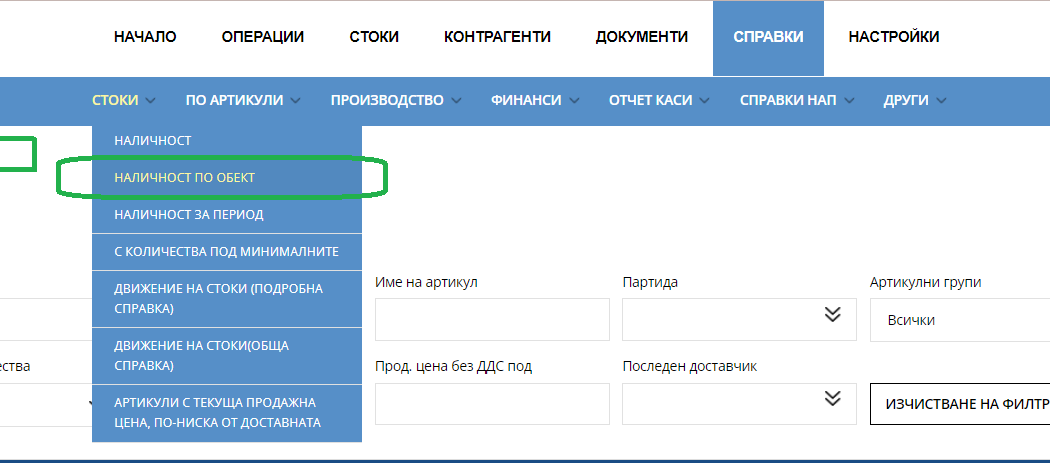
The report helps to track stock availability in individual sites. Provides the possibility of an easy search, by selecting a filter by multiple criteria - item number, barcode, item, batch, item group, item with quantities (greater than zero, zero, less than zero), selling price without VAT above, selling price without VAT below, last supplier.
Ability to save in different file formats - PDF, CSV, XLS;
The values in the table are organized into columns. The "show/hide column" button controls their visibility.
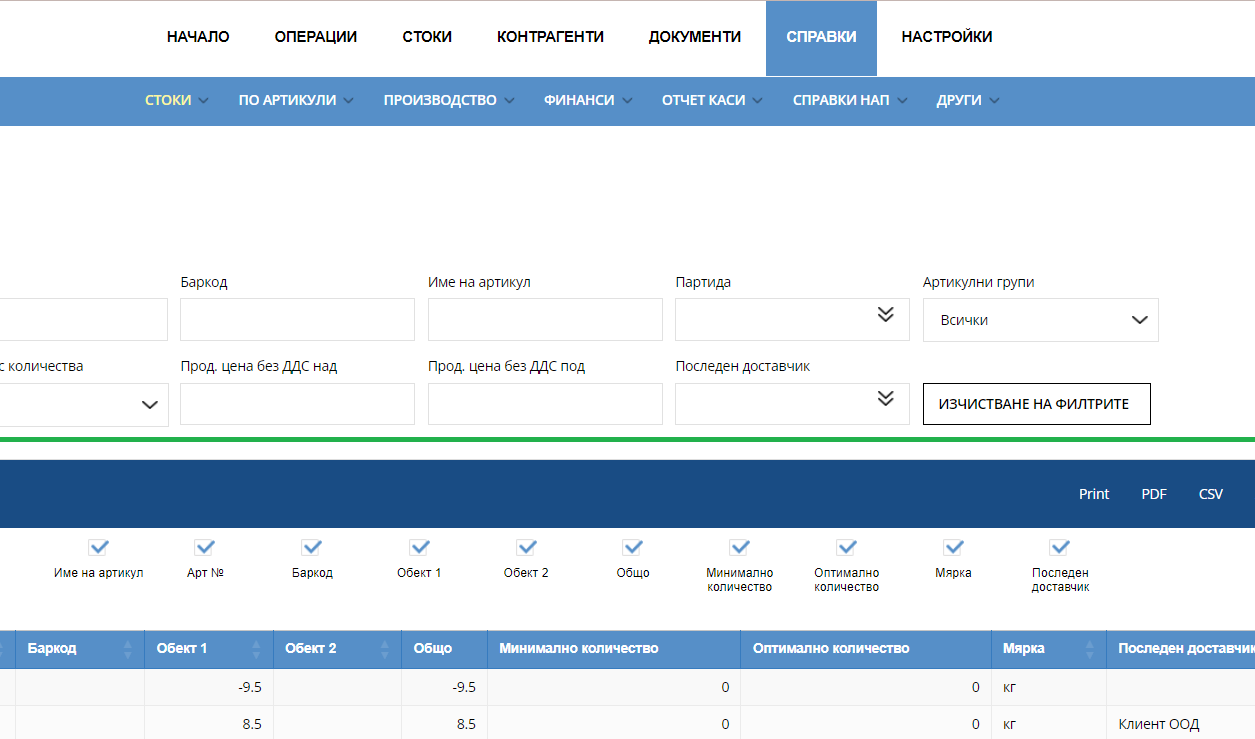
The following parameters can be tracked:
Item
Item number
Barcode
Site 1/Site 2 - Available quantity of the given item at the specified site
Total - Total available quantity of the given item
Minimum quantity - Minimum allowable quantity of the given item;
Measure - A unit of measurement
Last Supplier - Last contractor that delivered the given item