
Home / User guide / items by groups
Items by groups
The operation is intended to create/add more than one item in one item group.
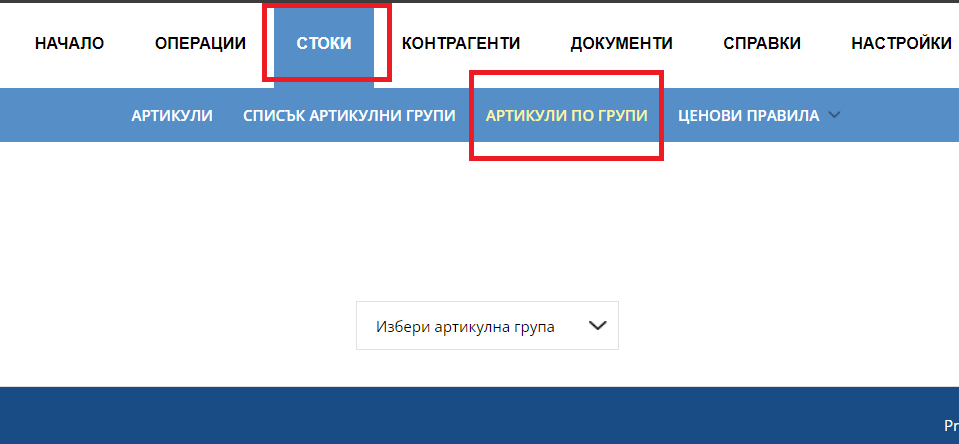
Navigate
Goods - Items by groups
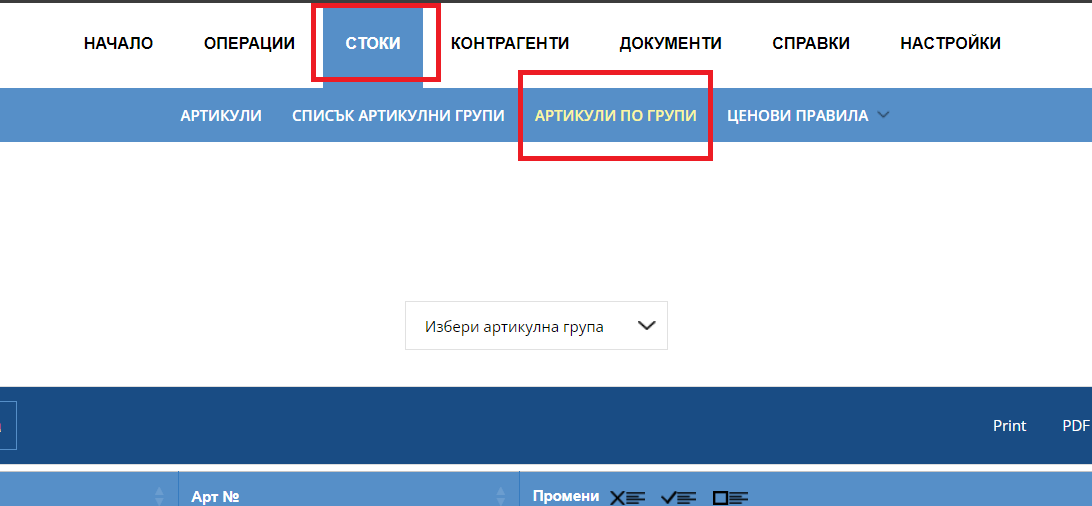
Selection of item group
We already have an item database and a prepared classification of the items into categories. The idea of this menu is to facilitate the transfer of items from one item group to another.
Select an item group
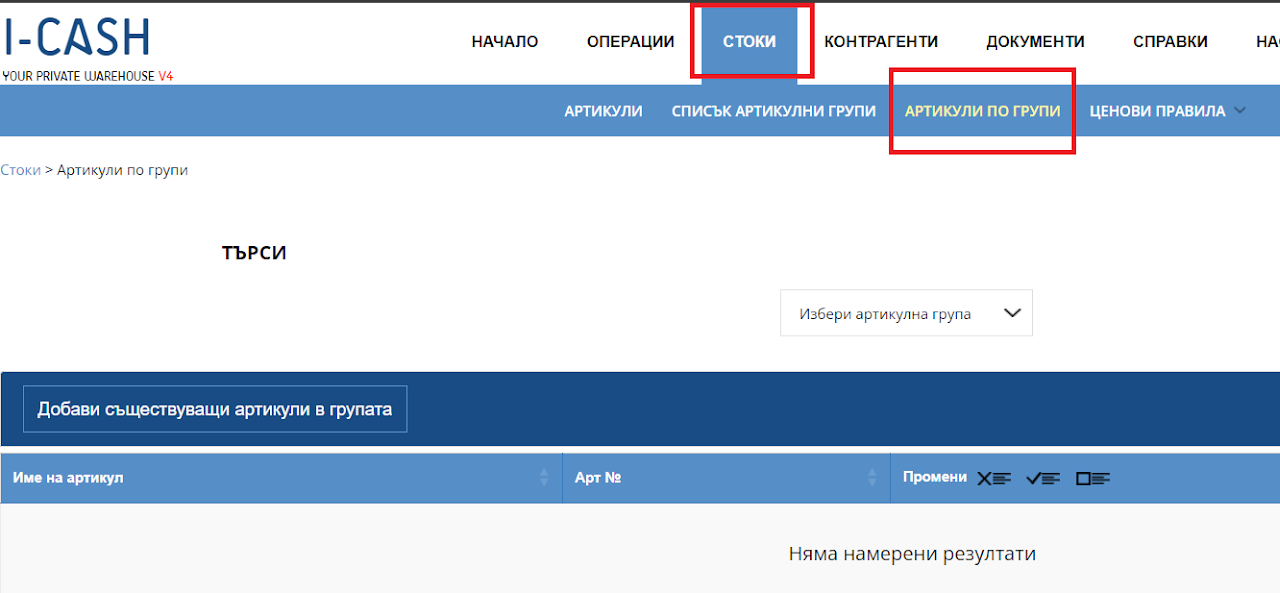
Selection of item group
Select an item group to which items will be added and press the "Add existing items to group" button.
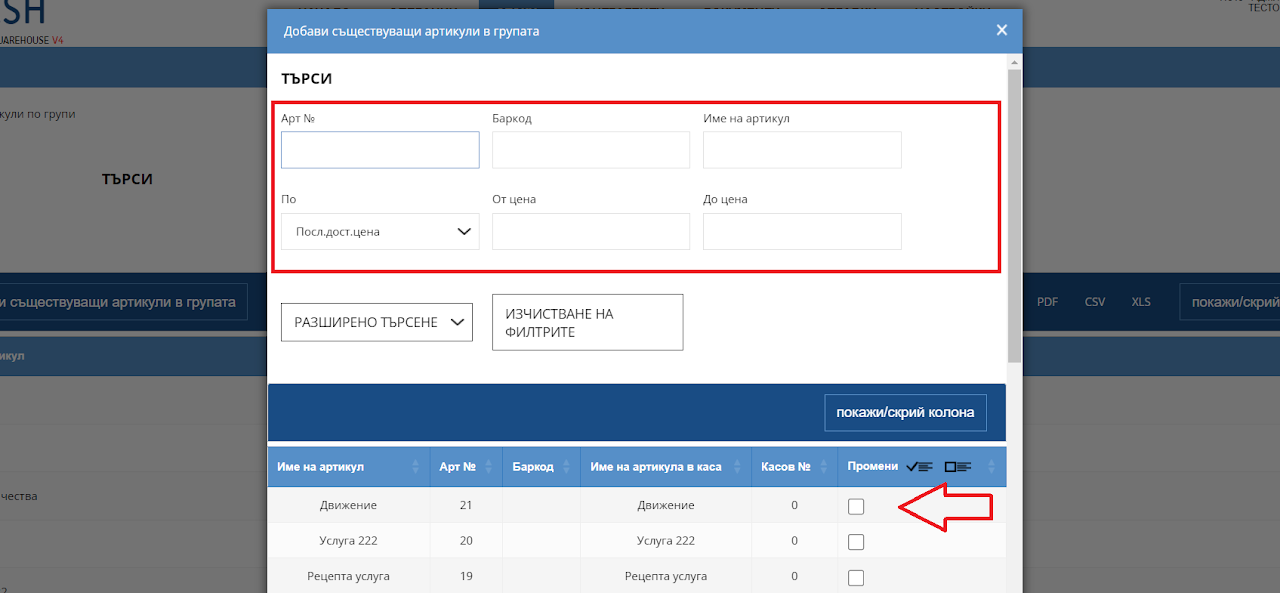
Selection of items
You can filter
Or choose from the list
Save your selection
All items you select will be transferred to the group.
The system allows the same principle and removal of items from the selected group.
It can be used by users who regularly change the locations of items in groups, such as creating a "Lunch Menu" for restaurants and fast food establishments.